 Synced from GitHub
These screenshots were captured from the current linux-control-panel package running inside an installed Aero7 virtual machine at its native 1024×768 guest resolution. They show real pages and live system data rather than design mockups.
Control Panel and Getting Started
| Control Panel Home | Getting Started |
|---|---|
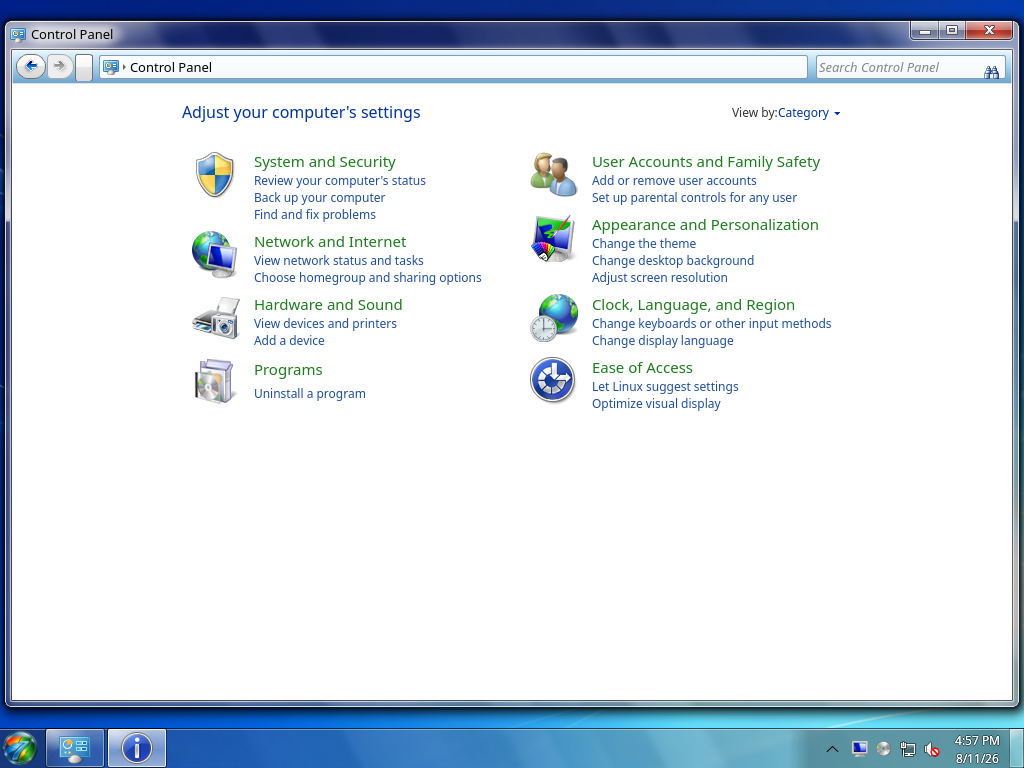 | 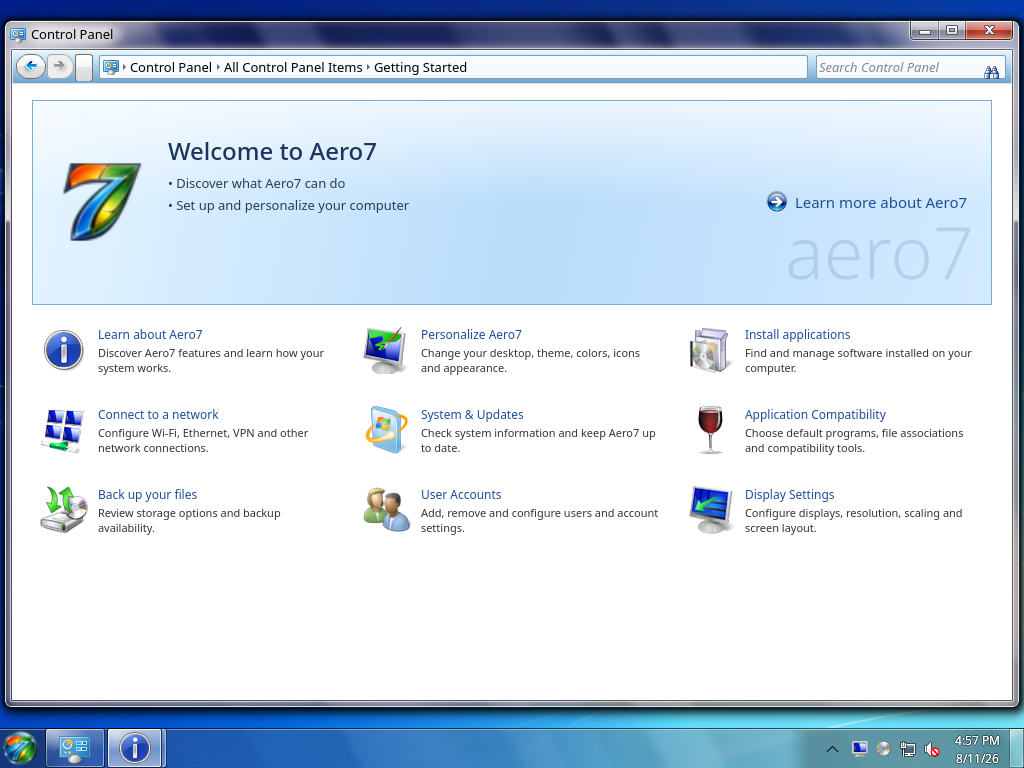 |
The home page organizes settings by category. Getting Started provides direct links to common setup tasks without replacing the normal Control Panel home.
Networking and Personalization
| Network and Sharing Center | Personalization |
|---|---|
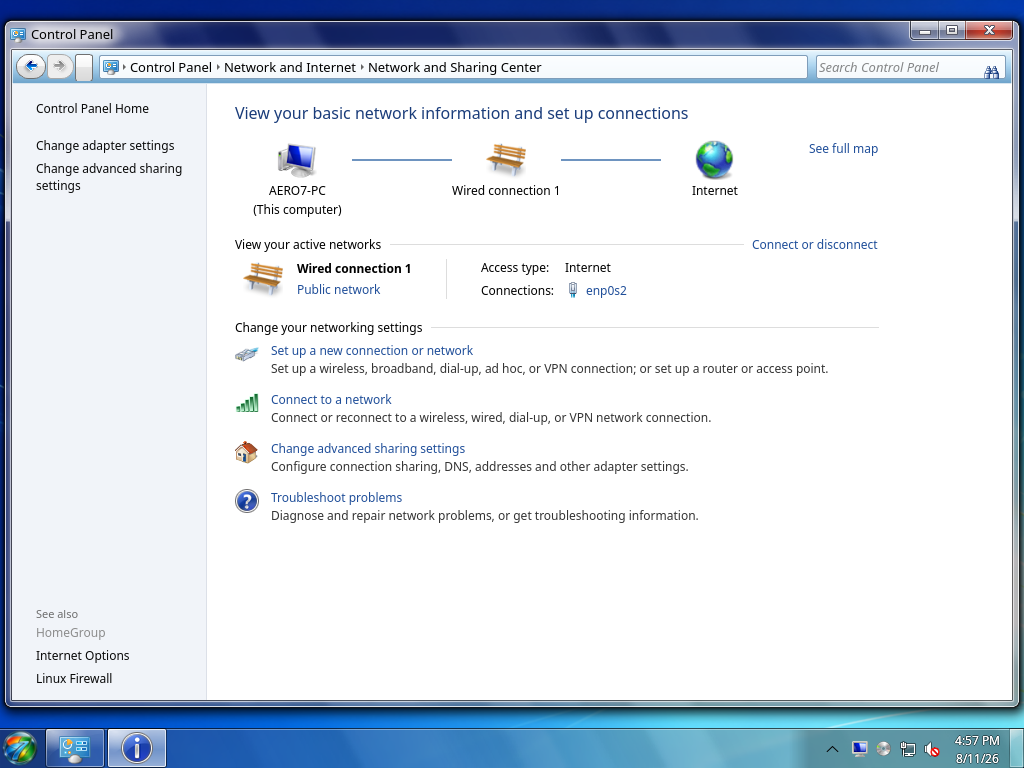 | 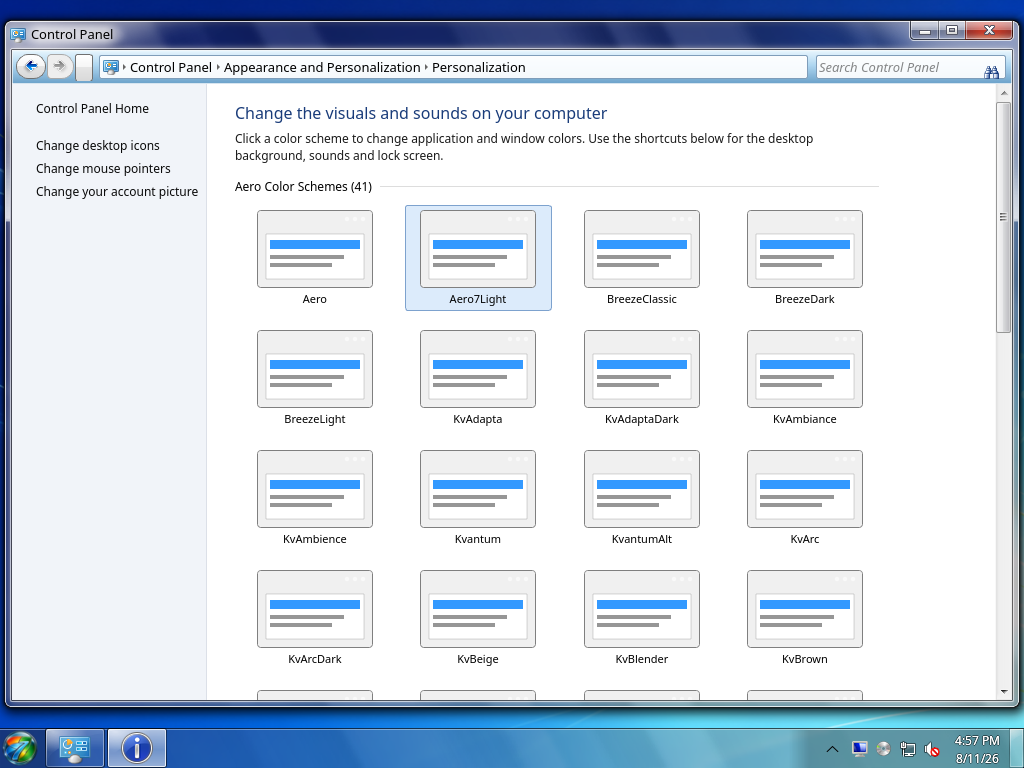 |
Network and Sharing Center reads live NetworkManager state. Personalization lists installed color schemes and links to the desktop, background, sound, and lock-screen controls.
Programs and User Accounts
| Programs and Features | User Accounts |
|---|---|
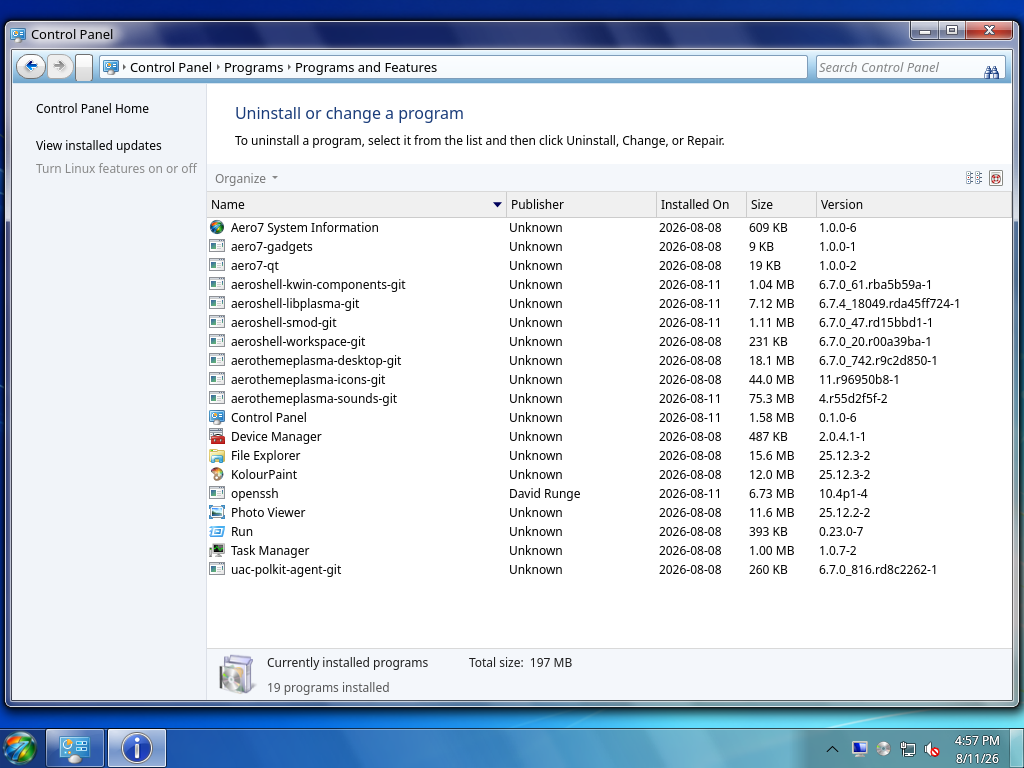 | 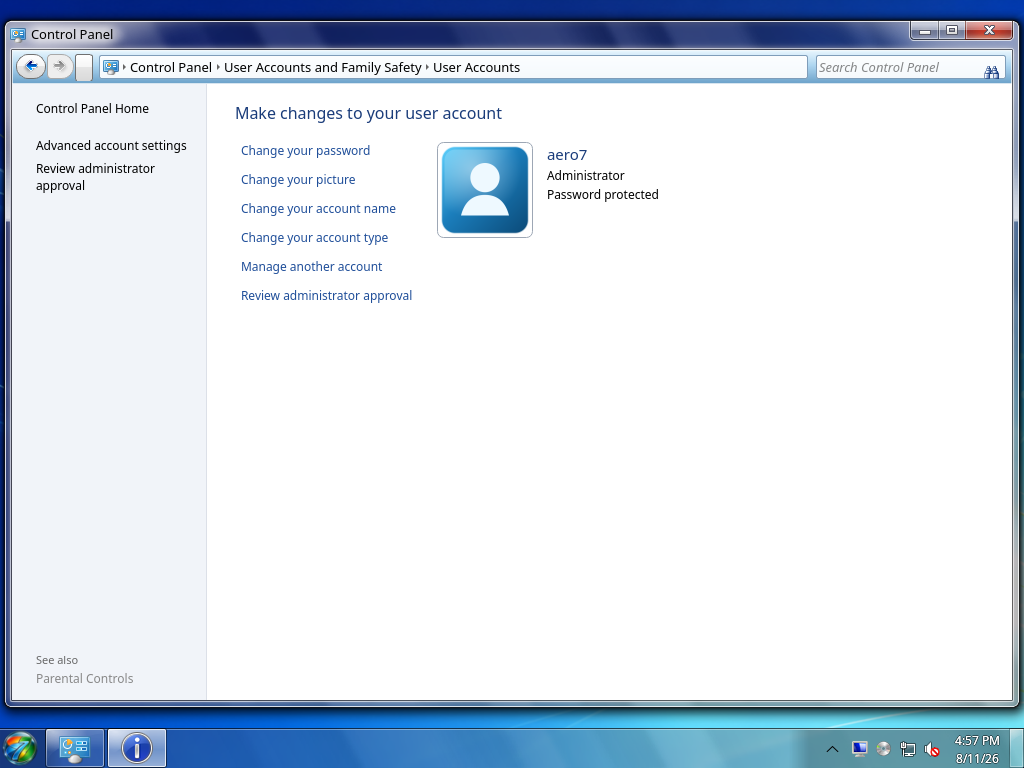 |
Programs and Features presents installed packages as user-facing programs. User Accounts manages the current account and authenticated account changes.
Windows Firewall diagnostics
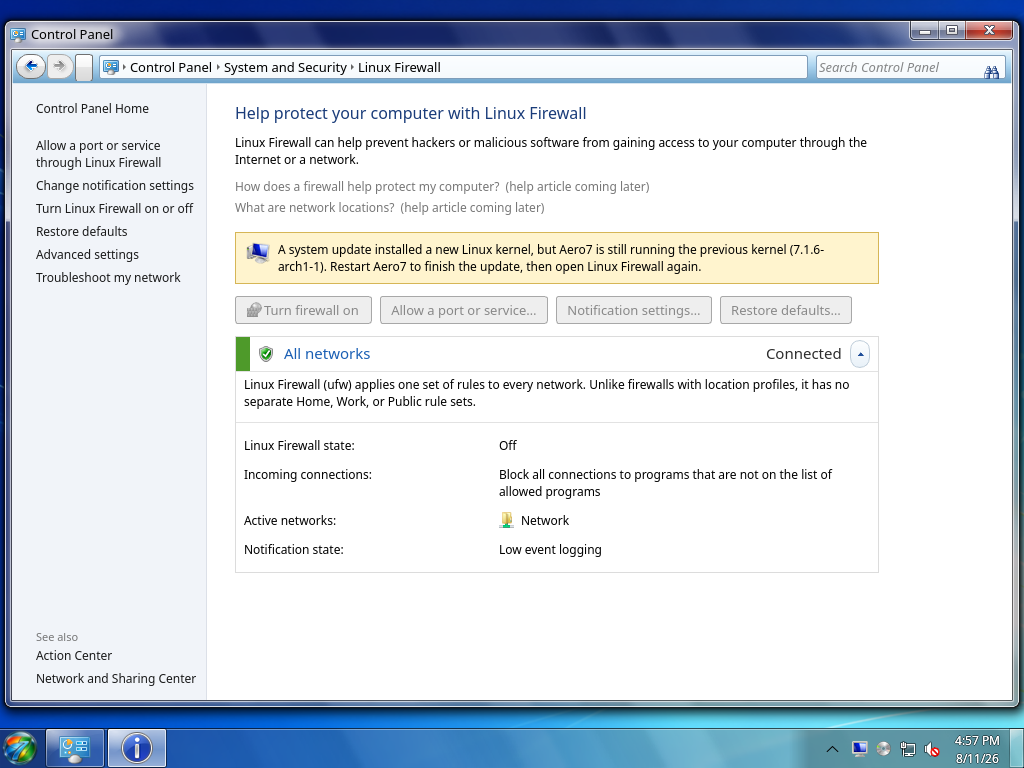
This capture shows the safe restart-required state used when a kernel update has left the running firewall backend without matching modules. Mutation buttons remain disabled until Aero7 restarts instead of exposing a cryptic iptables failure.
See the Control Panel Guide for what each page does and the Settings Reference for every searchable setting.