Synced from GitHub
Welcome to the documentation for Aero7 Control Panel, the central settings frontend for the Aero7 desktop. This Wiki belongs only to the Control Panel project. Documentation for the Aero7 operating system, shell, package repository, and website remains in each project's own repository.
Start here
- Control Panel Guide — categories, native pages,
buttons, permissions, limitations, and troubleshooting.
- Aero7 Optional Features — what every feature installs,
what it does, requirements, retained data, and availability.
- Complete Settings Reference — all 71 searchable
settings, what each setting does, its KDE Plasma name, backend, and status.
- Windows 7 Parity — all 45 Windows 7 applets, current
implementation status, and placement of KDE/Wayland-only settings.
- Backends and Permissions — the Linux services,
commands, KDE modules, and privilege boundaries behind Control Panel.
- Installation and Updates — install or update the
Control Panel through the Aero7 package repository.
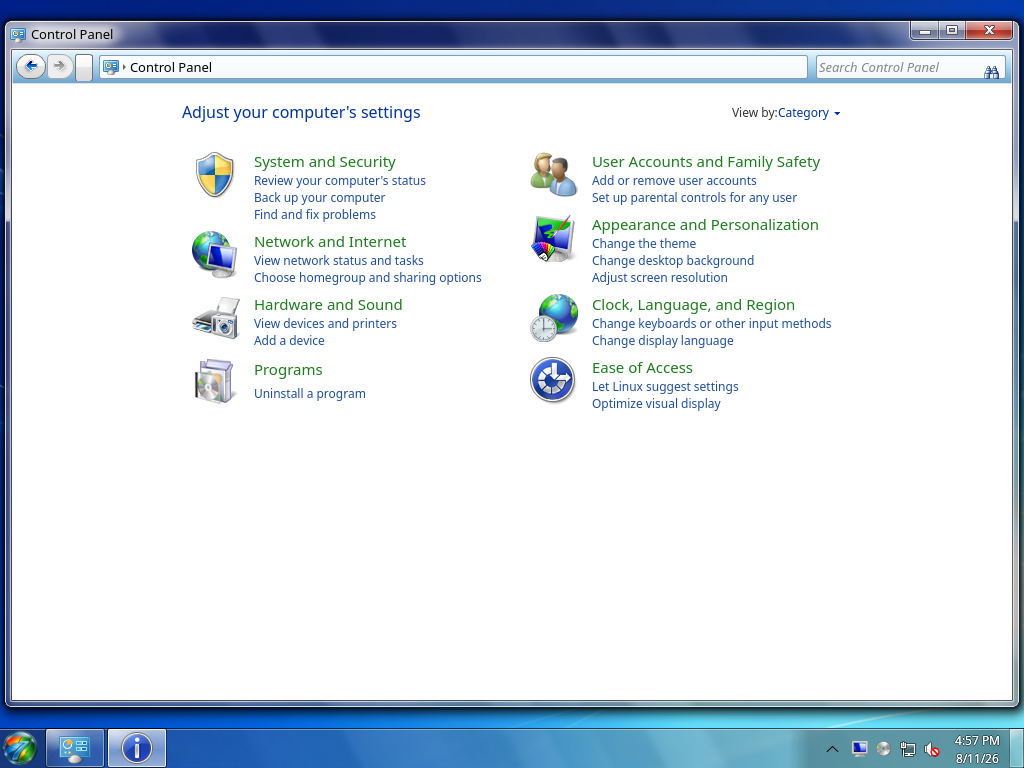
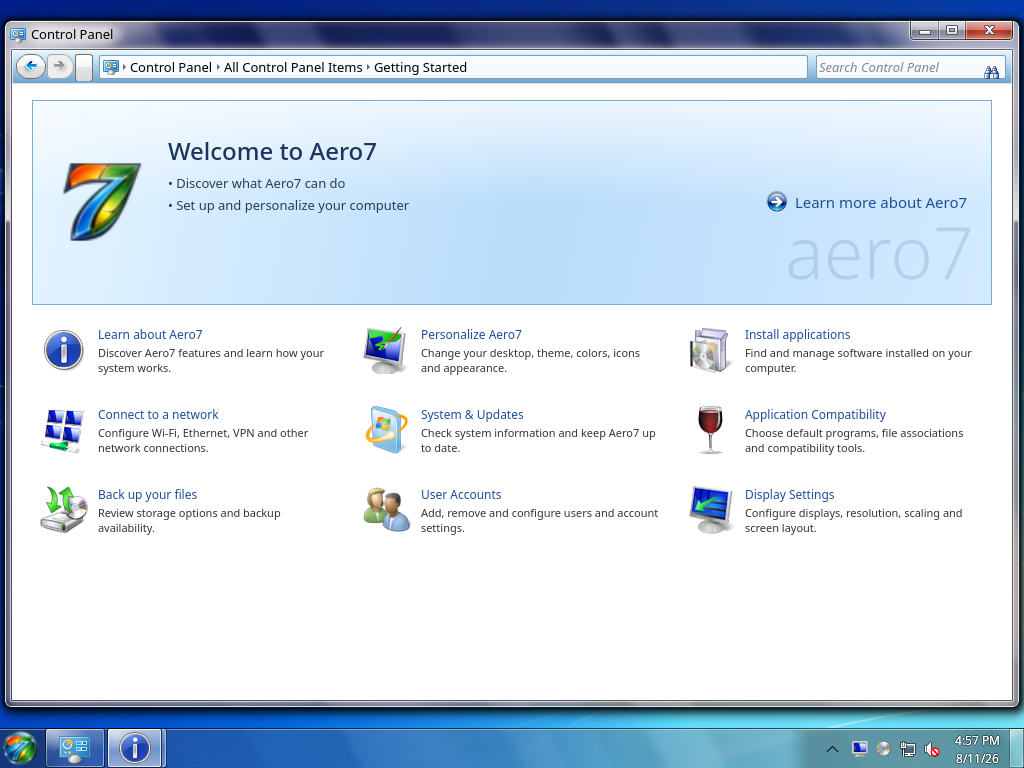
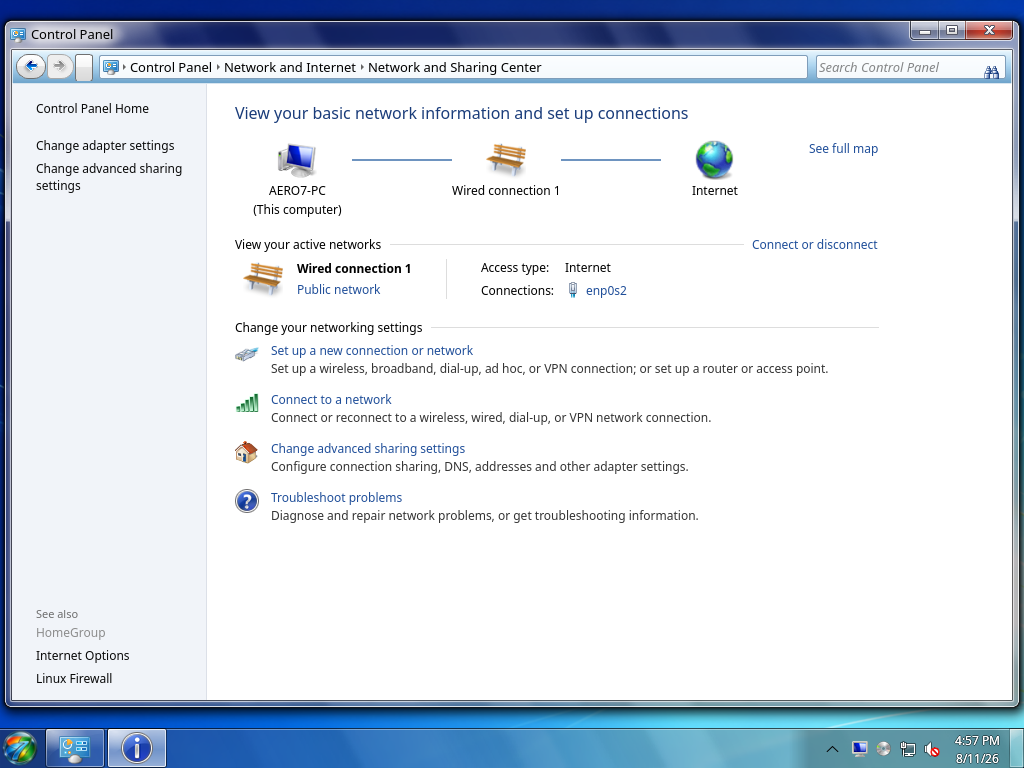
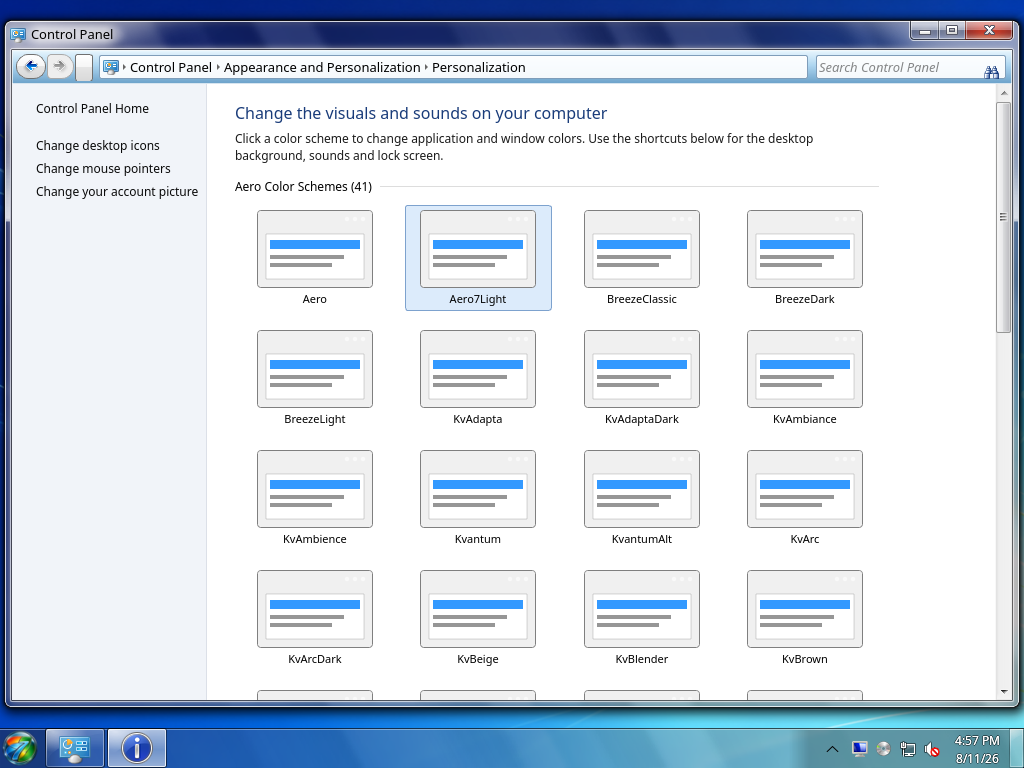
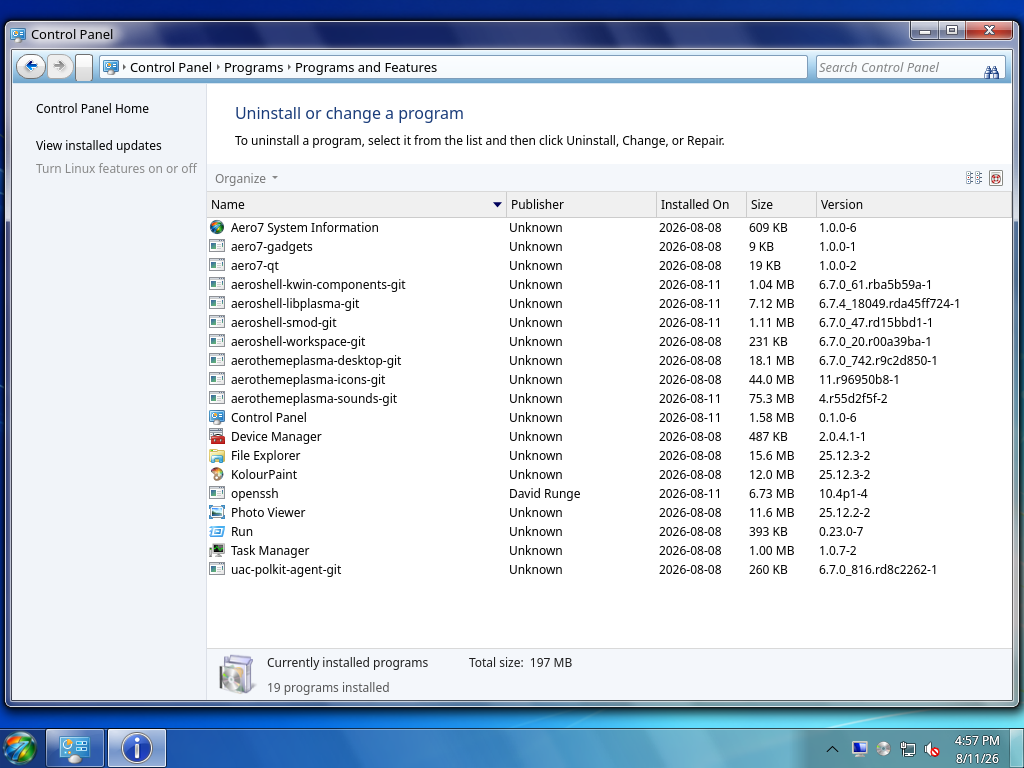
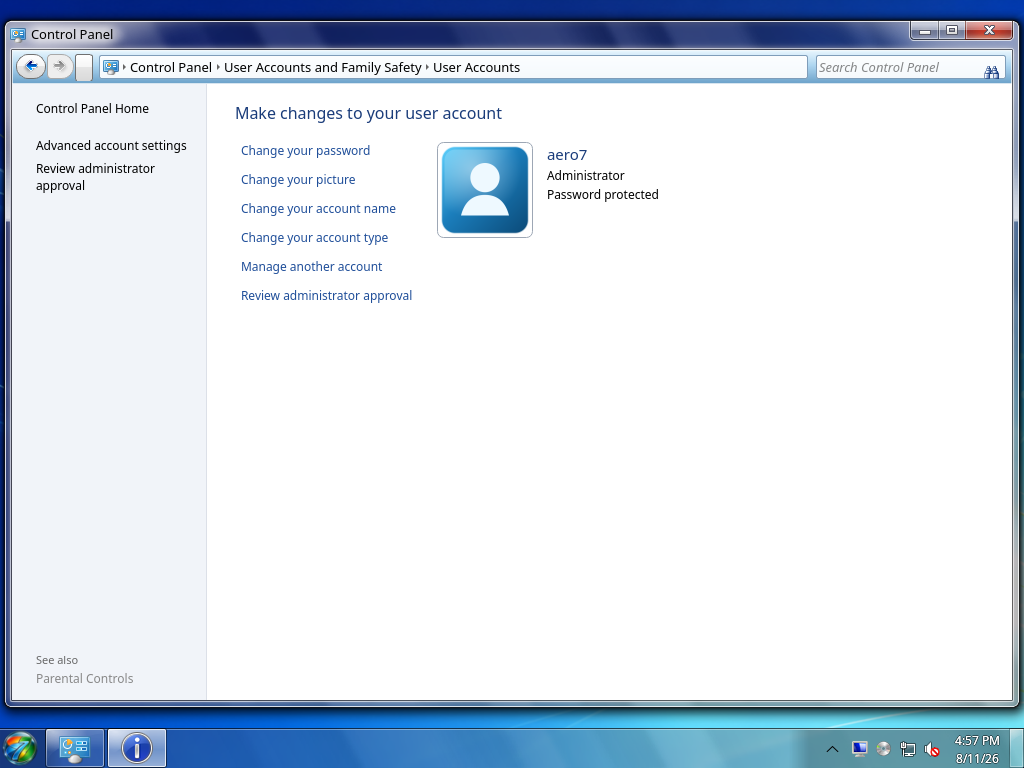
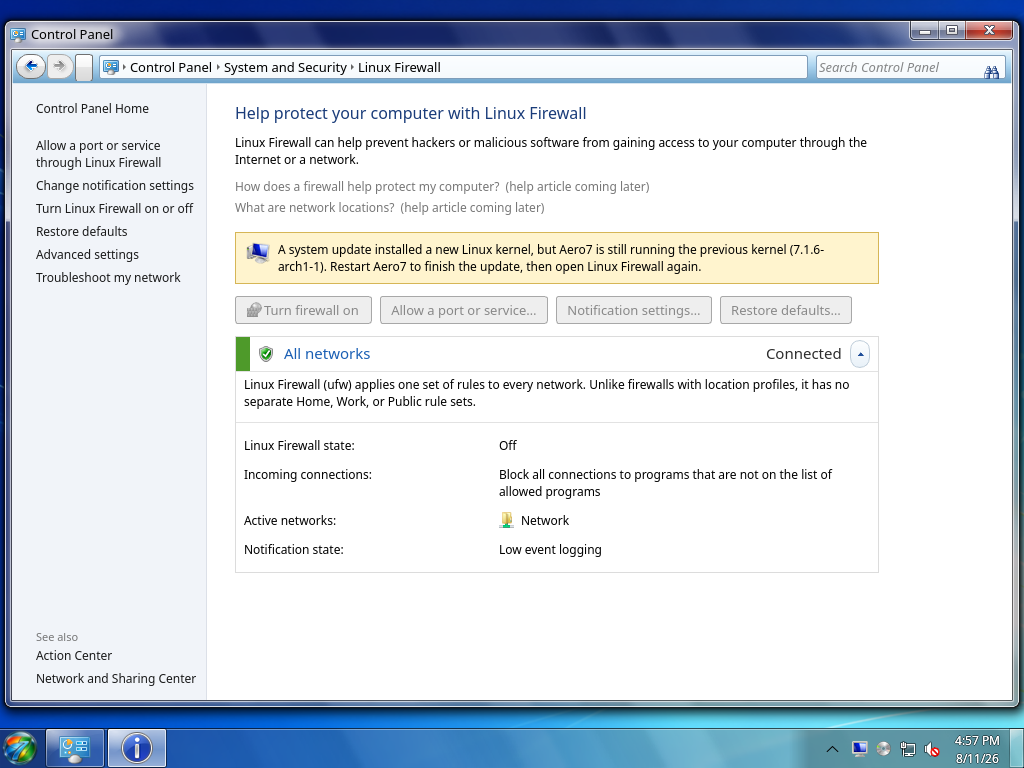
- Screenshots — current captures of the main Control Panel and
representative native settings pages.
Finding a setting
Open Control Panel from the Start menu and use Search Control Panel. Windows 7 names are the fresh-install default. Search accepts the Windows 7 name as well as the KDE Plasma name. Use View by > Use KDE Plasma names... to switch the visible labels without changing any backend. Control Panel search results remain inside the Control Panel hierarchy.
The Start menu can also return Control Panel settings under its Settings results without placing every setting among the normal application shortcuts.
If you know only part of a name, open the Complete Settings Reference and use your browser's Find command (Ctrl+F).
Implementation labels
- Aero7 native means Control Panel owns the main workflow and talks to a
Linux service or configuration directly.
- Aero7 partial means the main workflow is provided by Control Panel while
advanced functions use a focused system component.
- Aero7 native editor means Control Panel writes established Plasma/KWin/
KIO configuration through its own property sheet and opens no KDE settings UI.
- Unavailable controls are visibly disabled until a correct, safe backend
exists. They are not decorative dead links.
Project links
Independent-project notice
Aero7 Control Panel is an independent open-source project. It is not affiliated with, authorized, sponsored, endorsed, or approved by Microsoft Corporation. Microsoft and Windows are trademarks of the Microsoft group of companies. Other trademarks belong to their respective owners.
See the real Control Panel
Current pages and live system data from an installed Aero7 virtual machine.