 Synced from GitHub
First Boot and OOBE
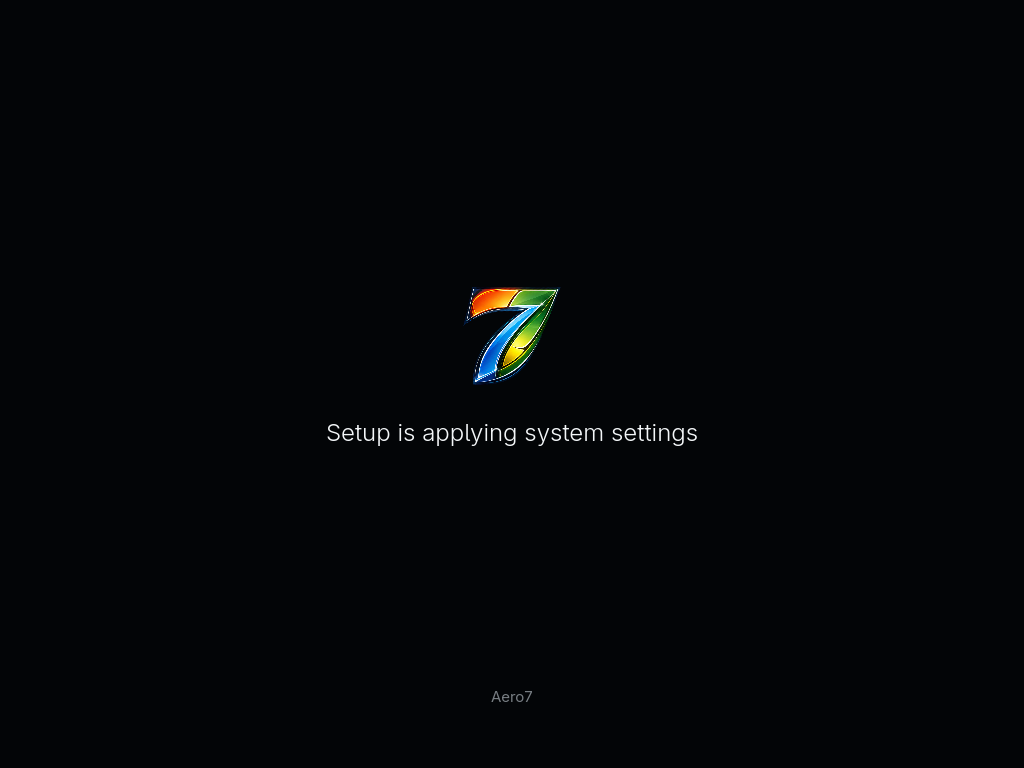
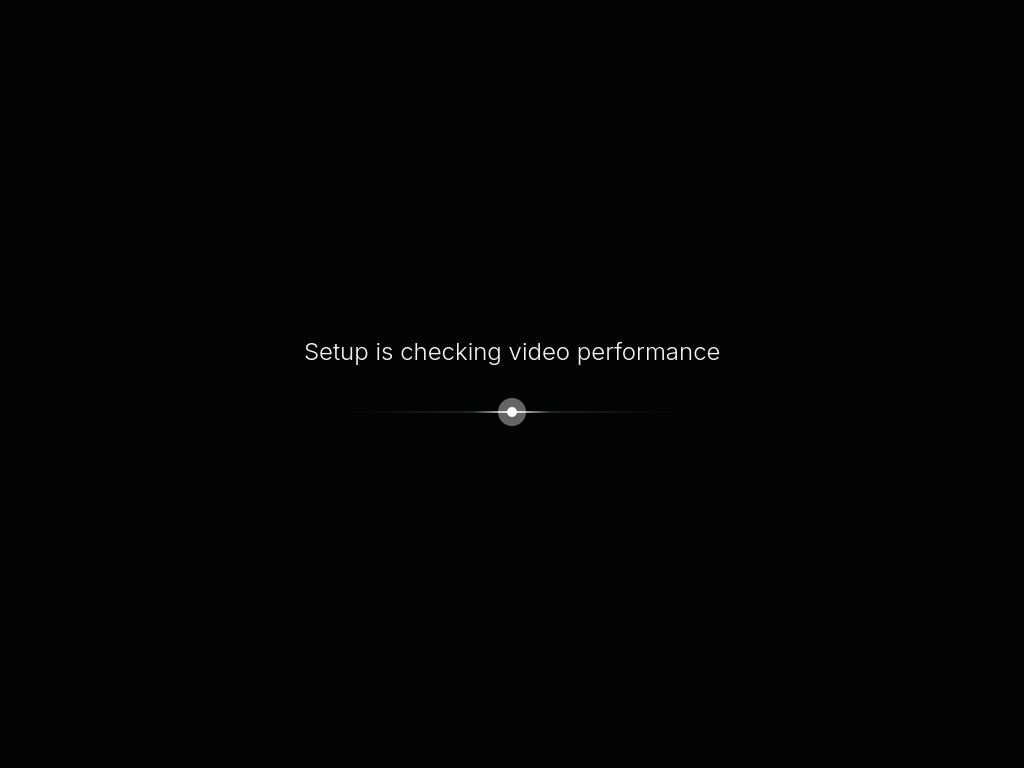
The first installed boot starts a one-time Cage/Qt setup service instead of a normal desktop login.
| Applying system settings | Checking video performance |
|---|---|
 |  |
Personalization pages
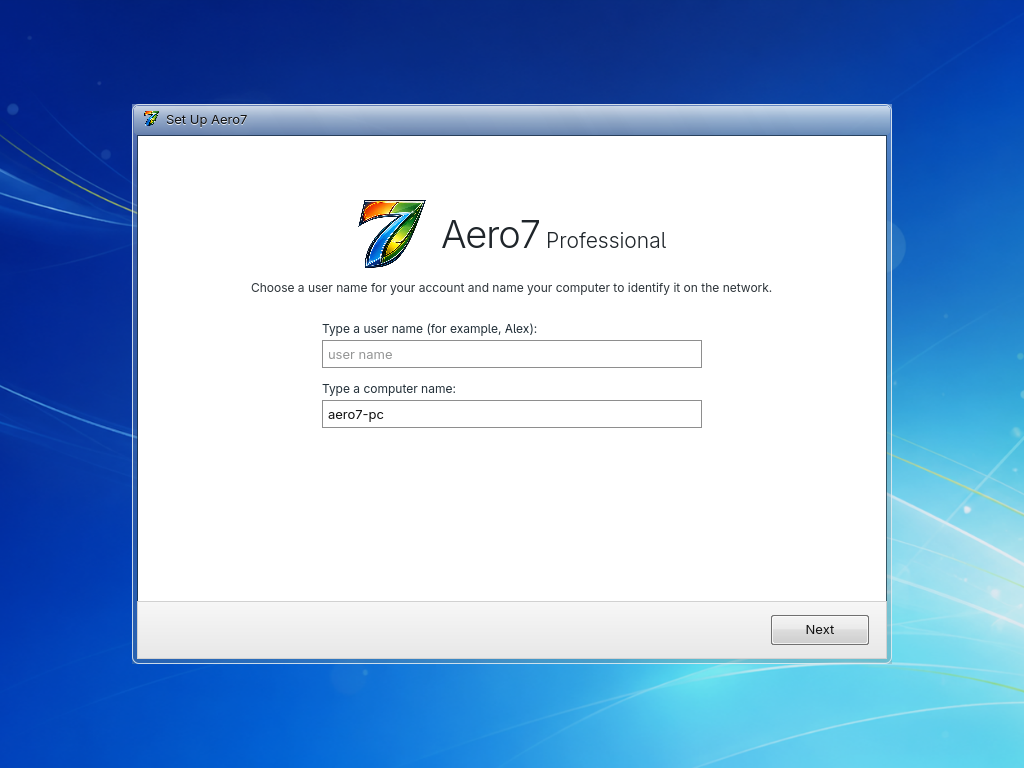
- User and computer name — creates the normal Linux account and hostname.
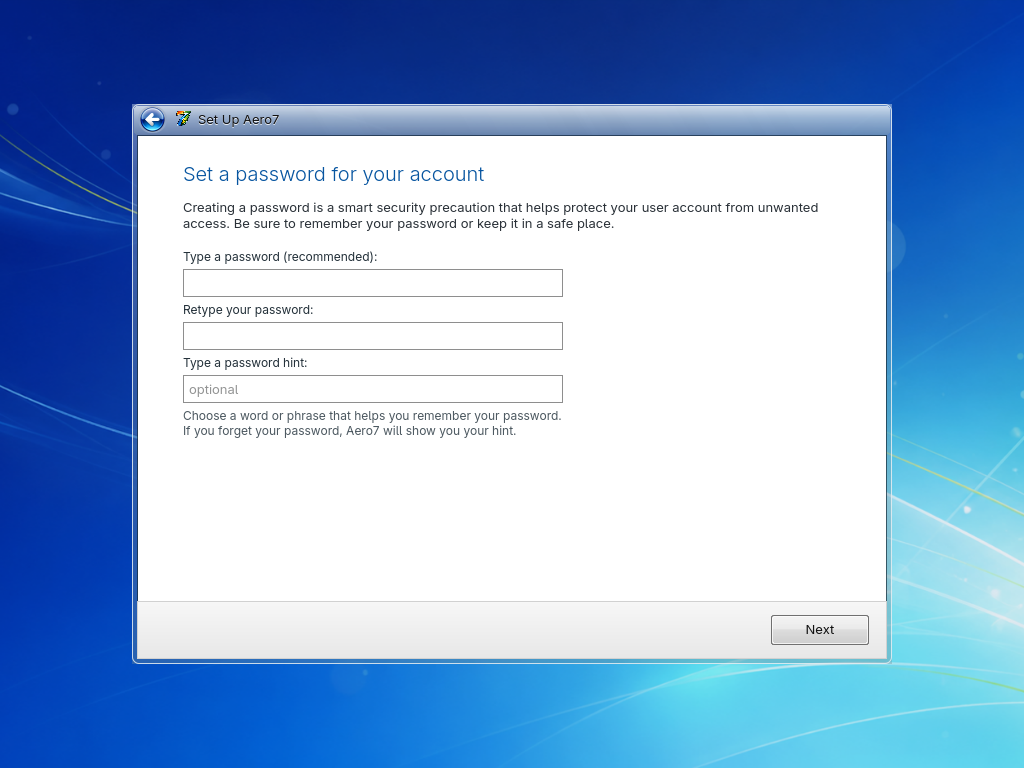
- Password — requires matching values and applies the account password.
- Update preference — records the selected update policy.
- Time and date — chooses the system time zone.
- Network location — stores the selected network profile intent.
- Finalizing — applies the Aero7-shell image-mode configuration.
| Account and computer name | Password |
|---|---|
 |  |
| Update preference | Date, time, and time zone |
|---|---|
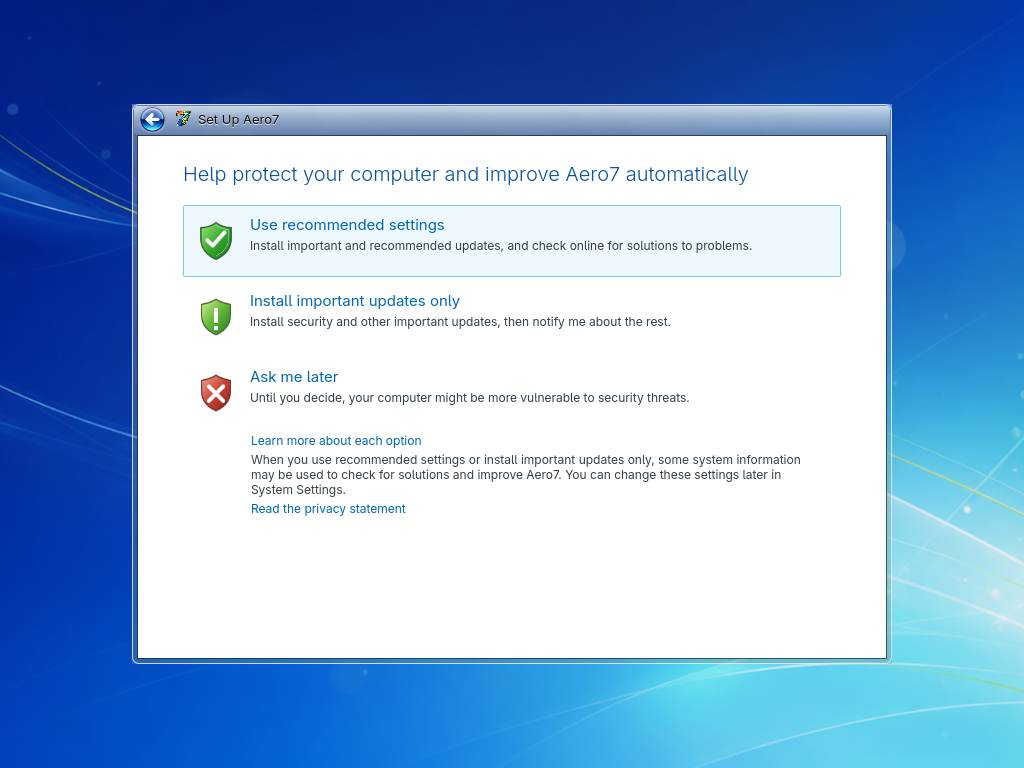 | 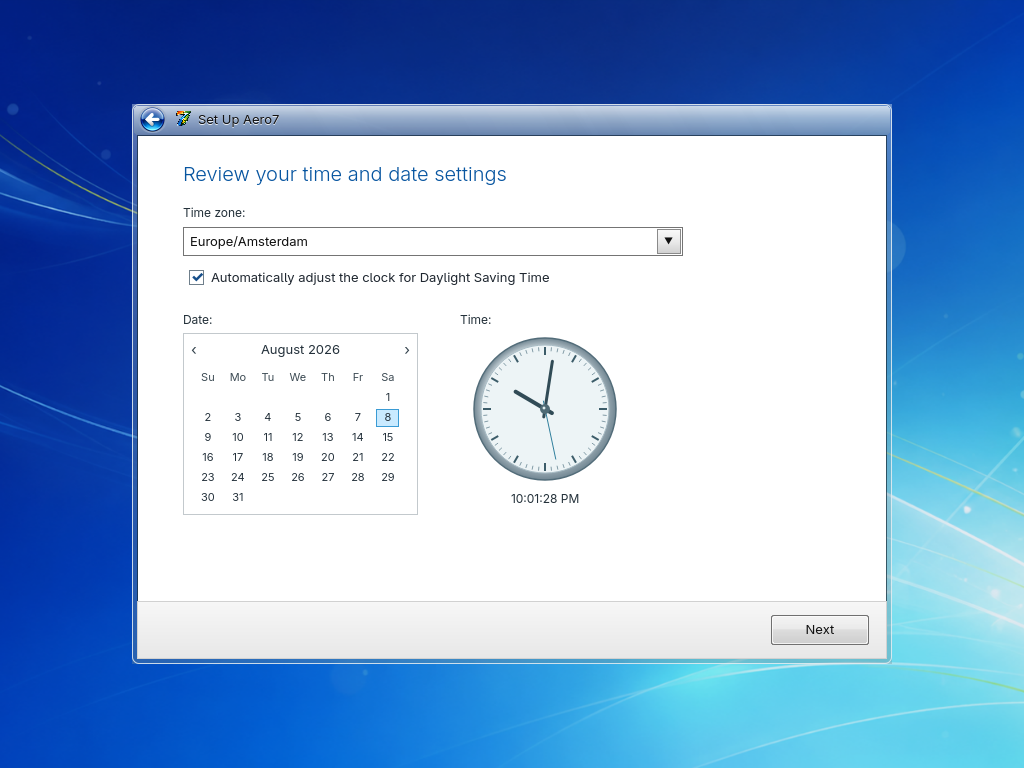 |
| Network location | Finalizing settings |
|---|---|
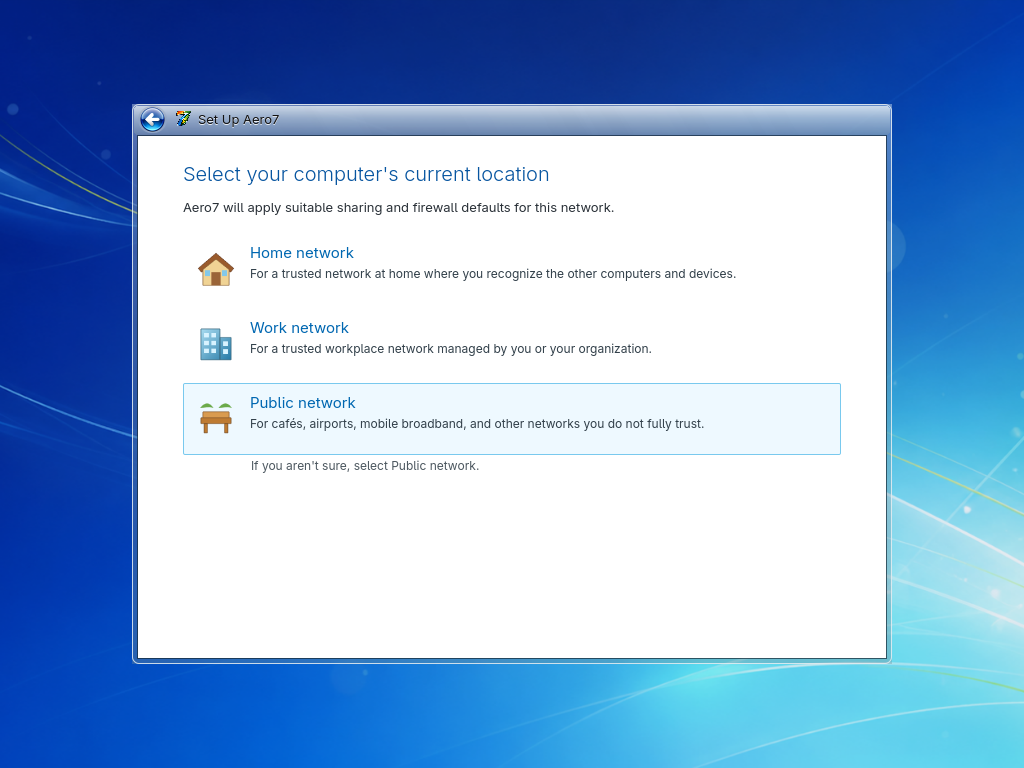 | 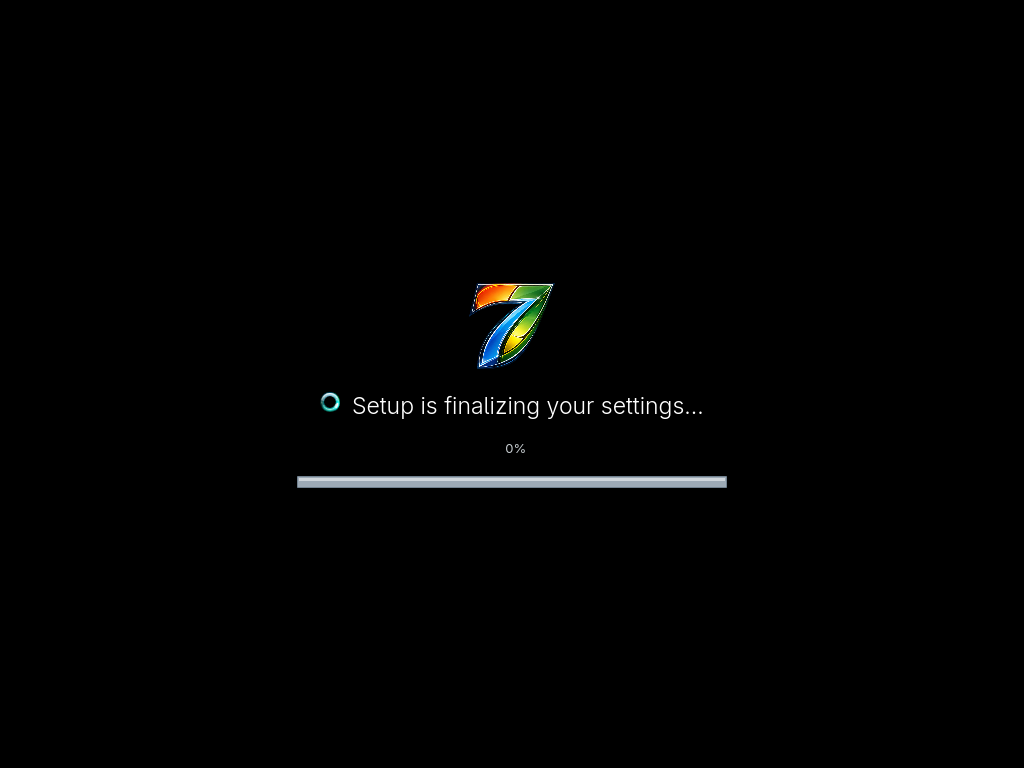 |
Desktop preparation
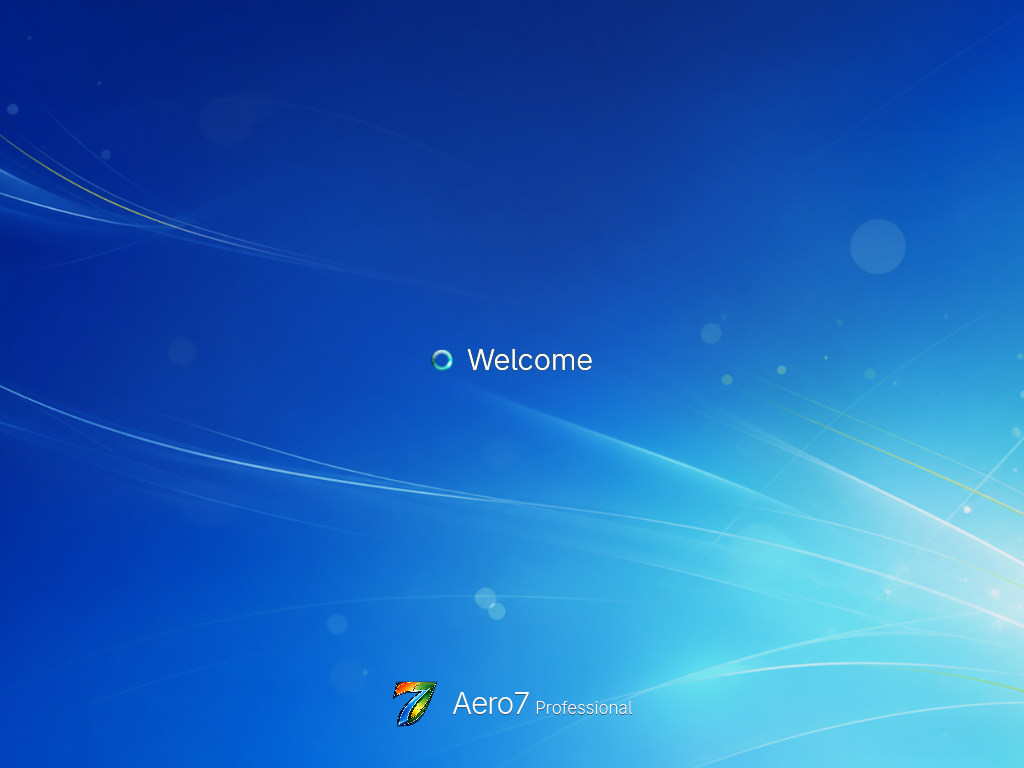
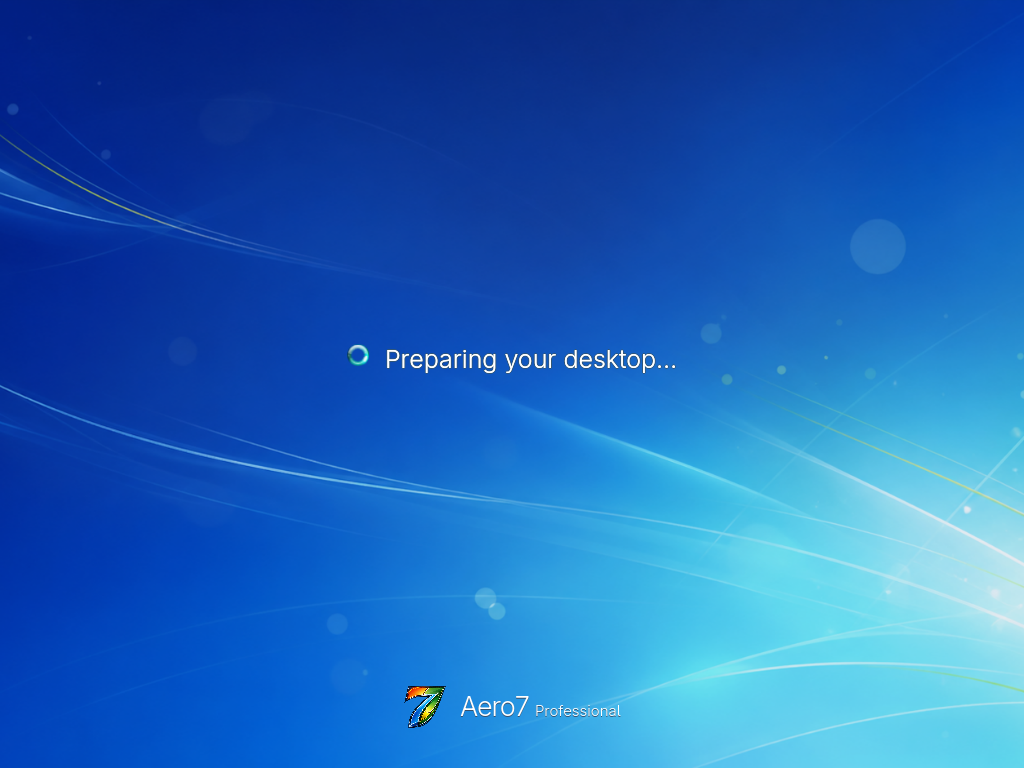
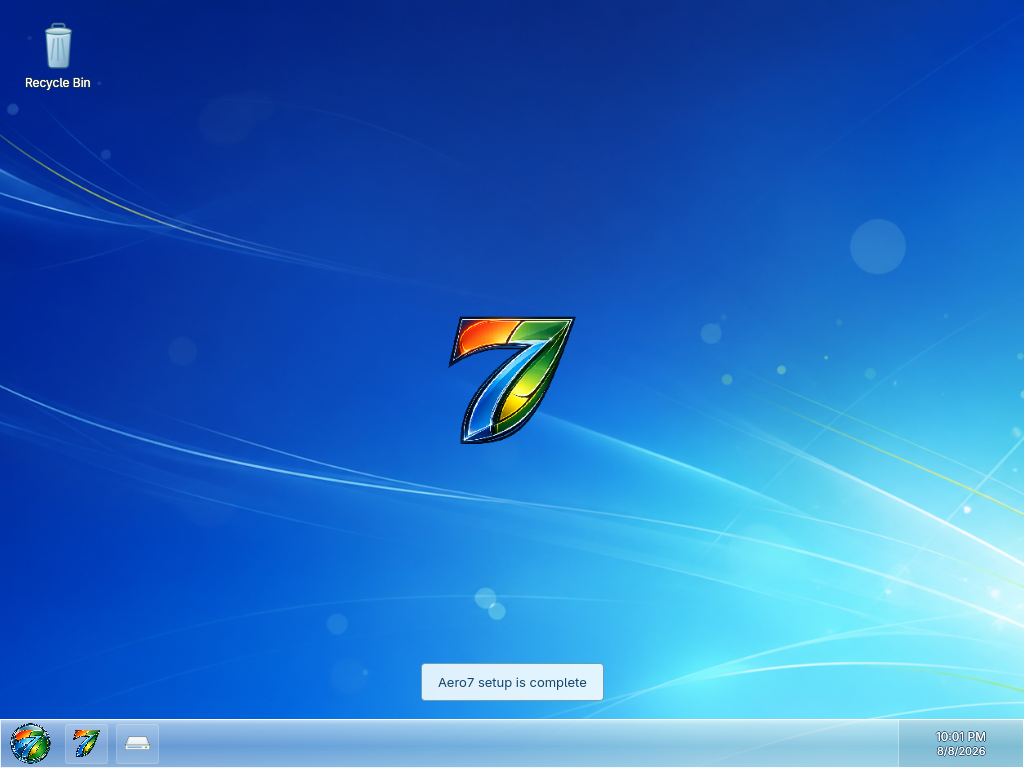
OOBE applies the light Aero color scheme, wallpaper, Start menu, single Aero taskbar, window decorations, icons, sounds, SDDM branding, application names, and first-login repair service. The system then shows Welcome and Preparing your desktop before starting Plasma directly—there is no second reboot and no manual Continue button.
| Welcome | Preparing your desktop |
|---|---|
 |  |
One-time automatic login
The first desktop session logs in automatically so the transition feels continuous. A self-disabling cleanup timer removes that temporary SDDM setting after 45 seconds. Later boots require the account password normally.
User name rules
Use a normal Linux account name: lower-case letters and digits are safest. Do not use root or an existing system account. The computer name must be a valid hostname and must not contain spaces.
Recovery
If OOBE cannot finish, switch to TTY2 with Alt+F2 and inspect the commands in Recovery and Logs. The one-time service remains diagnosable and does not create a passwordless sudo rule.