 Synced from GitHub
Screenshot Gallery
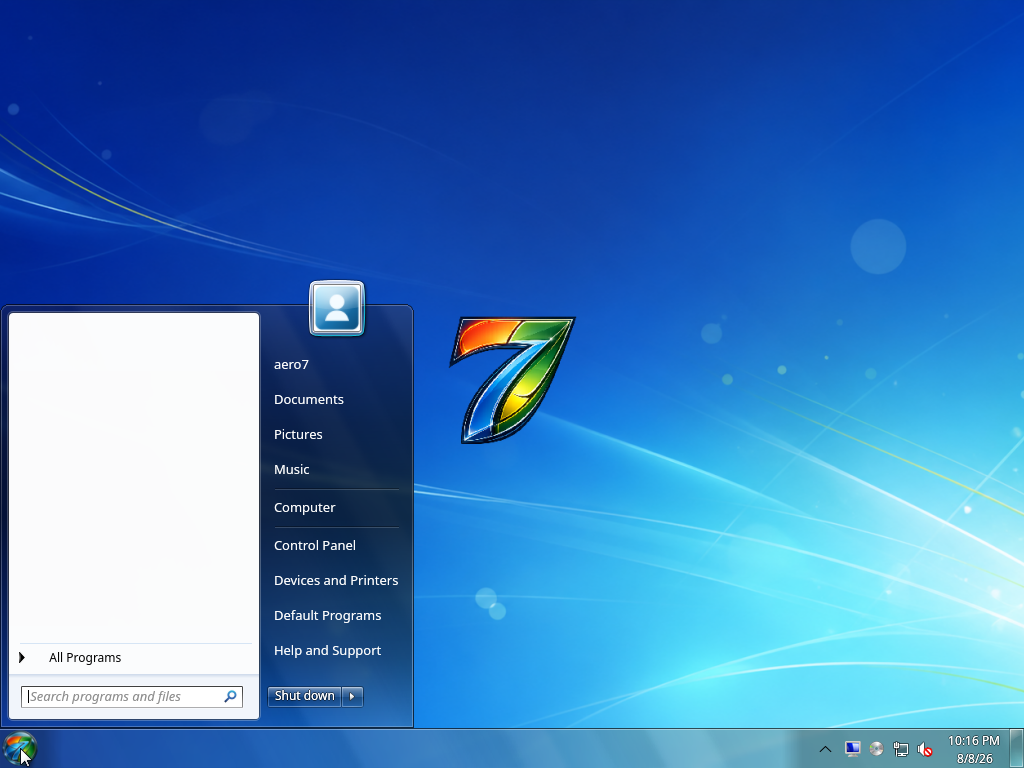
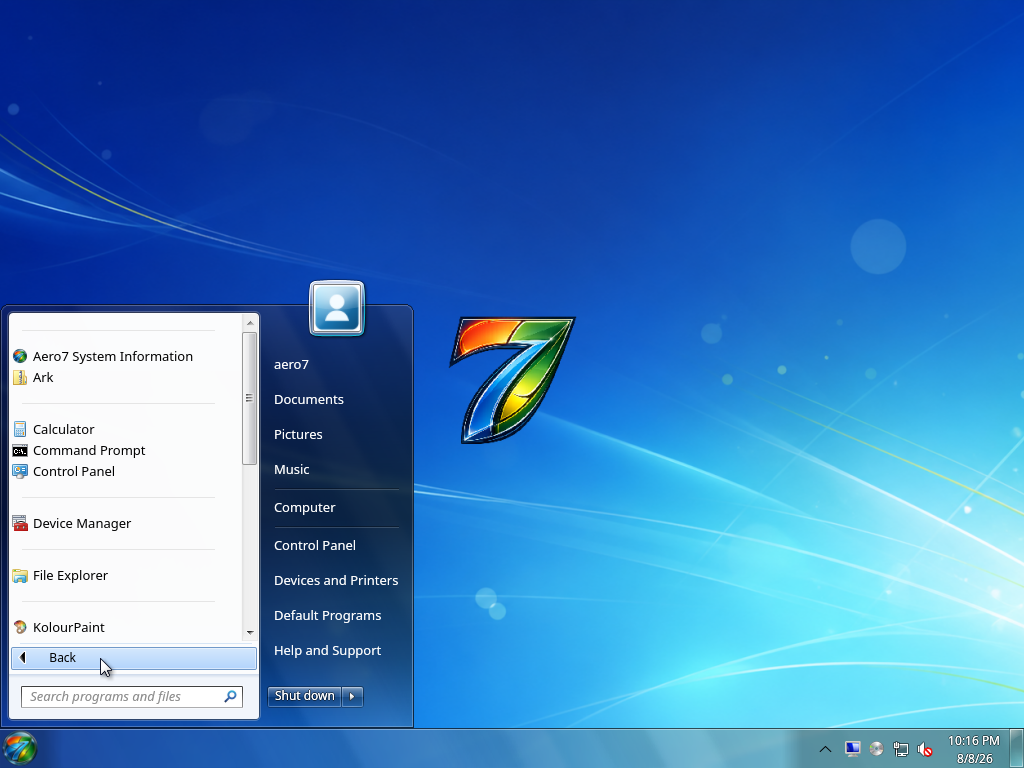
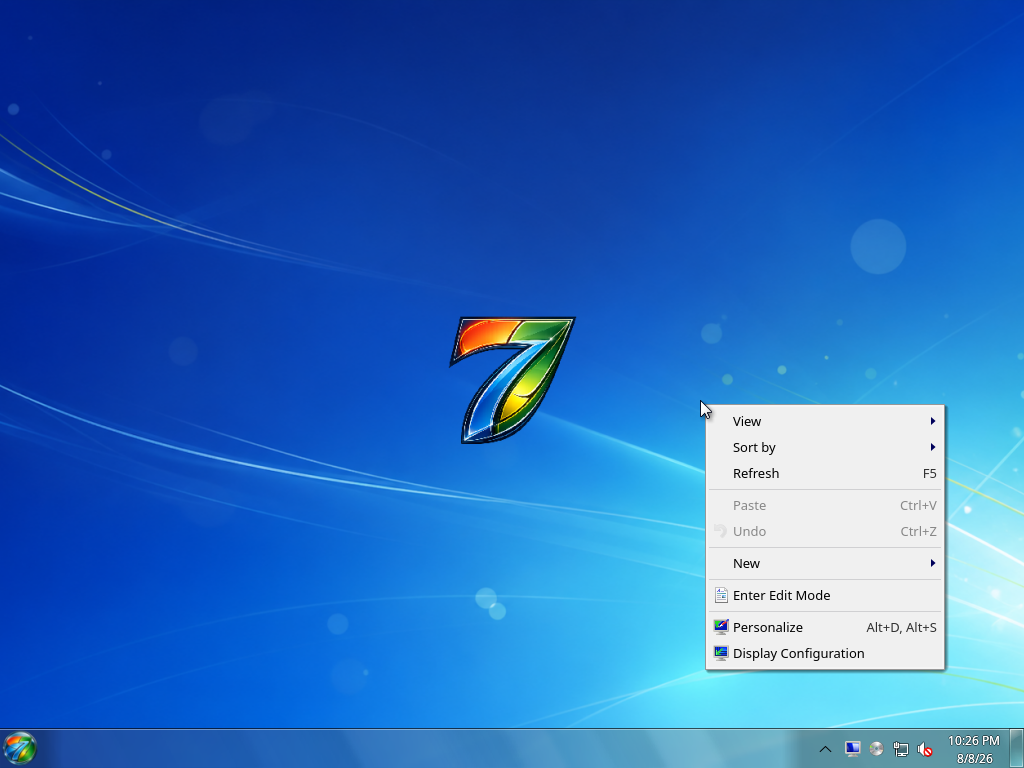
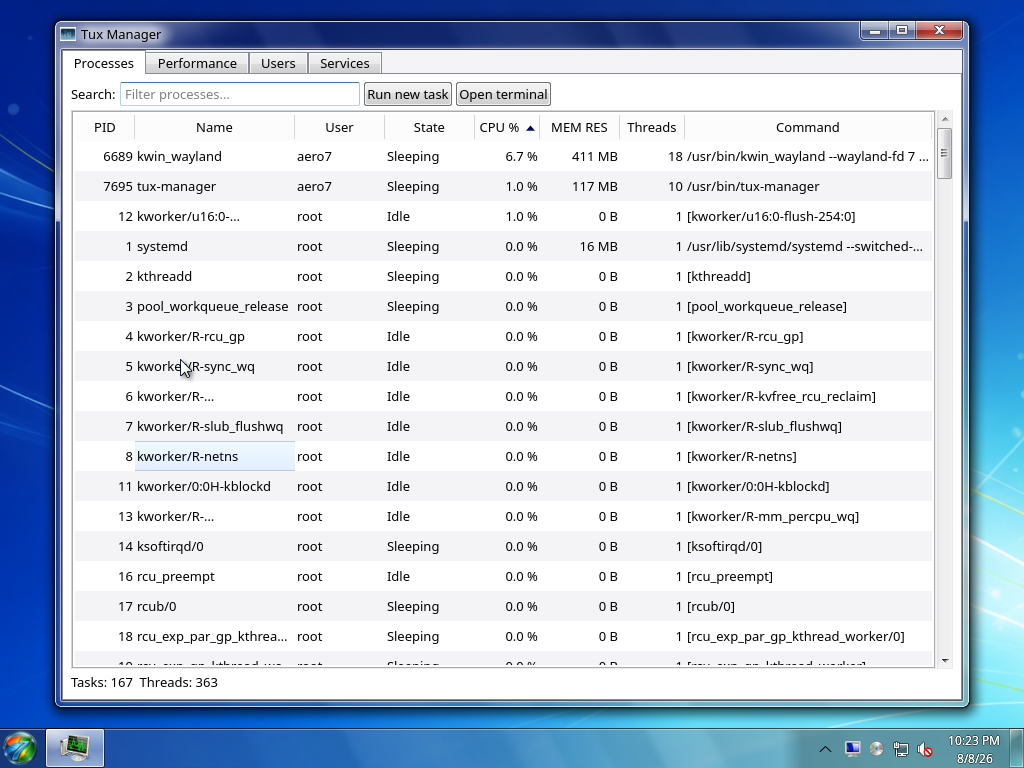
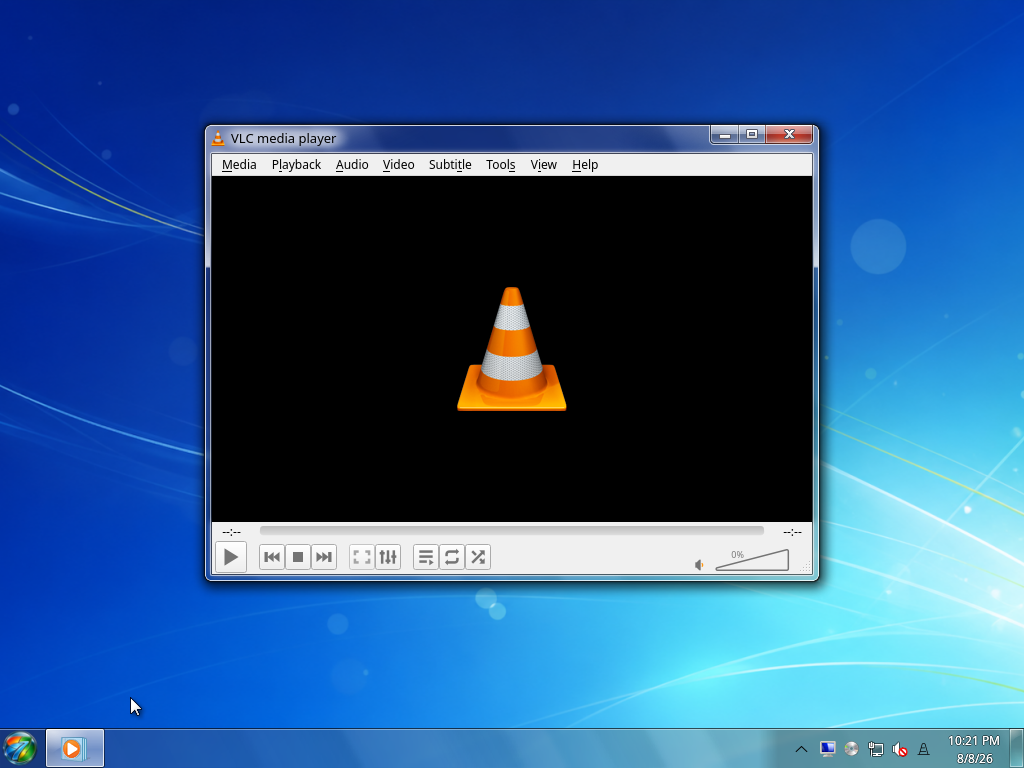
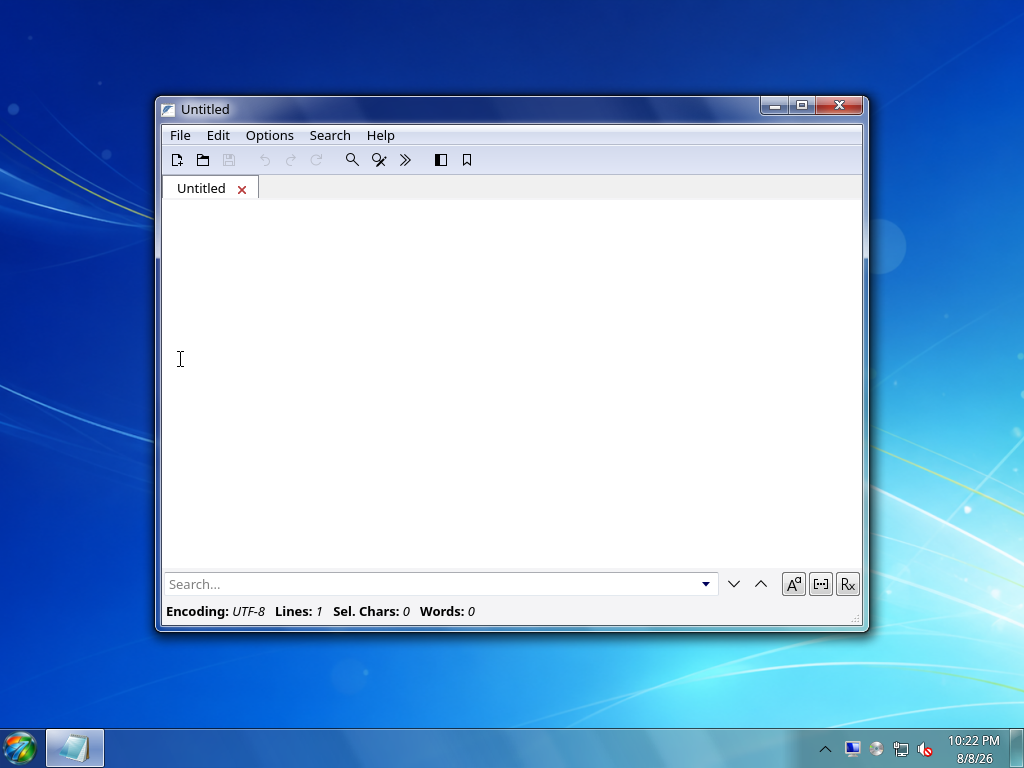
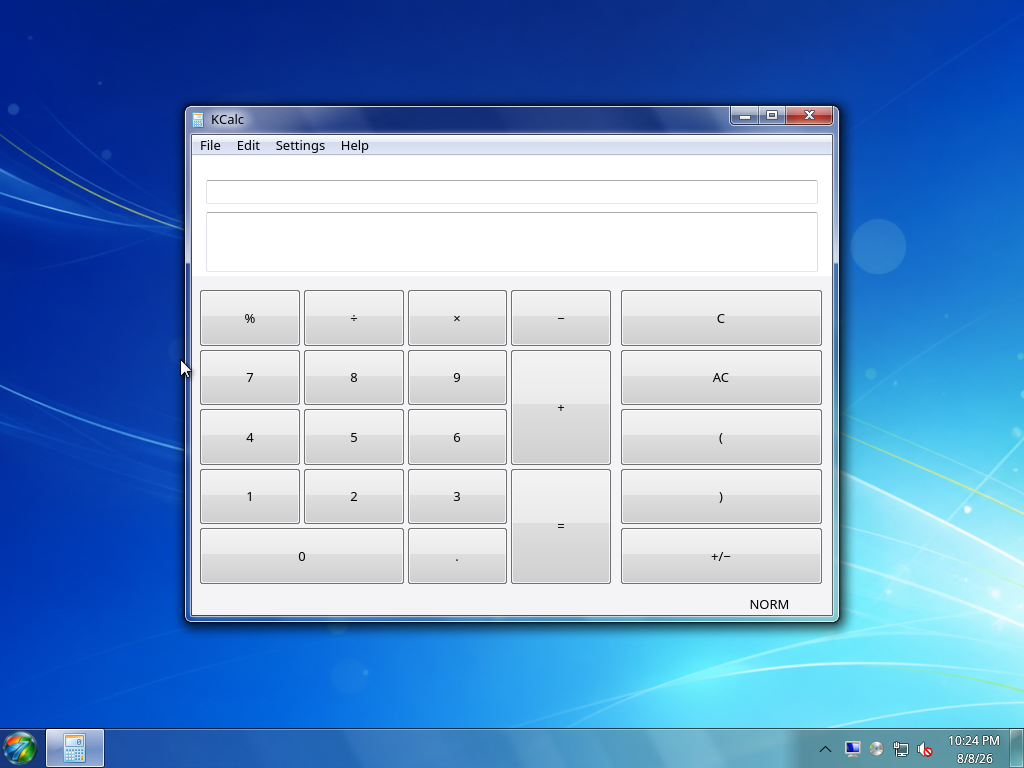
These images document the current Aero7 Beta 1 candidate. Installer and OOBE screens are deterministic captures rendered from the same Qt/QML sources used by the ISO. Desktop and application screens were captured after a clean installation, OOBE, and first-login repair in the documented QEMU/KVM test profile.
Desktop
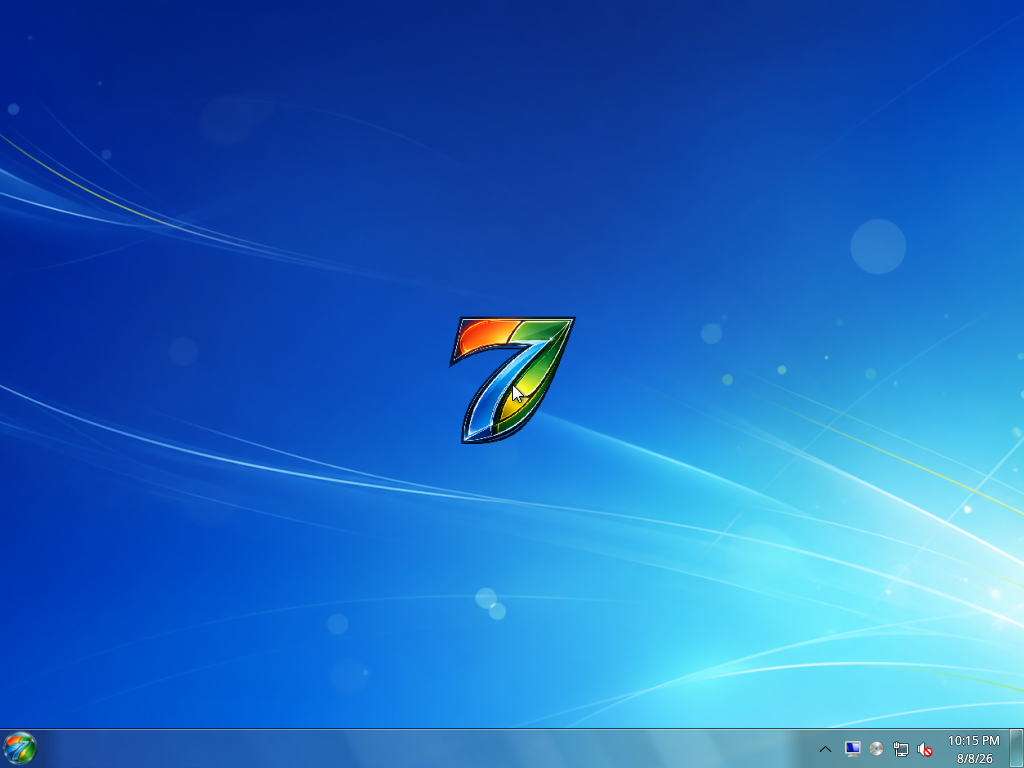
| Start menu | All Programs |
|---|---|
 |  |
| Desktop menu | Jump list |
|---|---|
 | 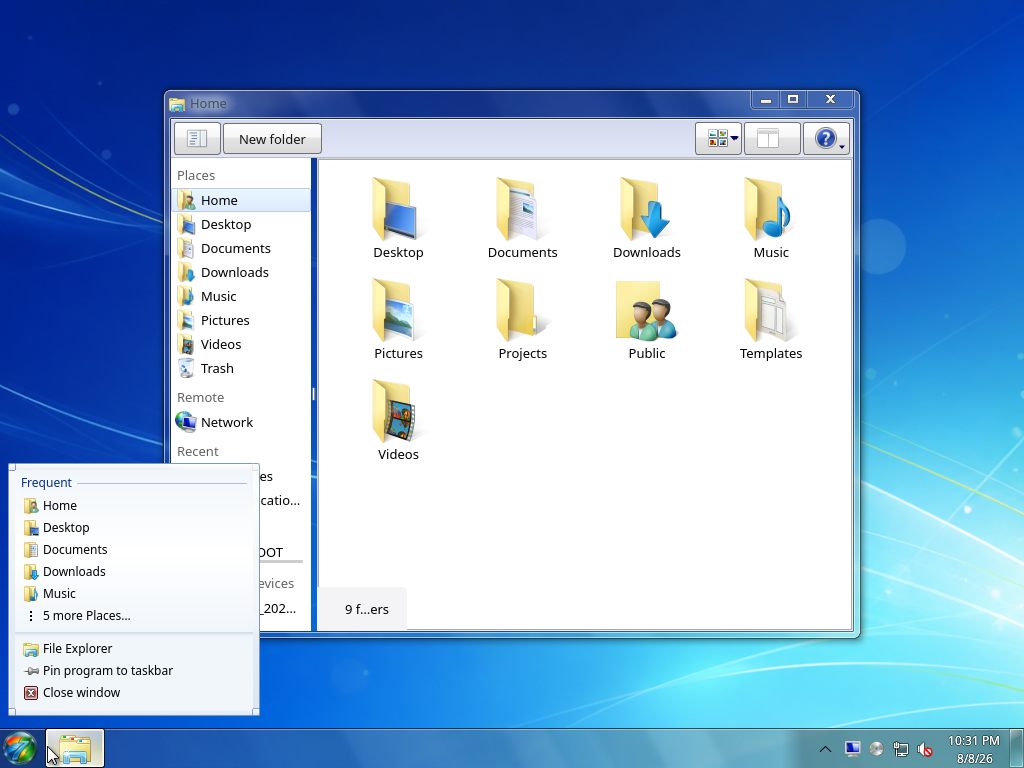 |
| Clock and calendar | Network status |
|---|---|
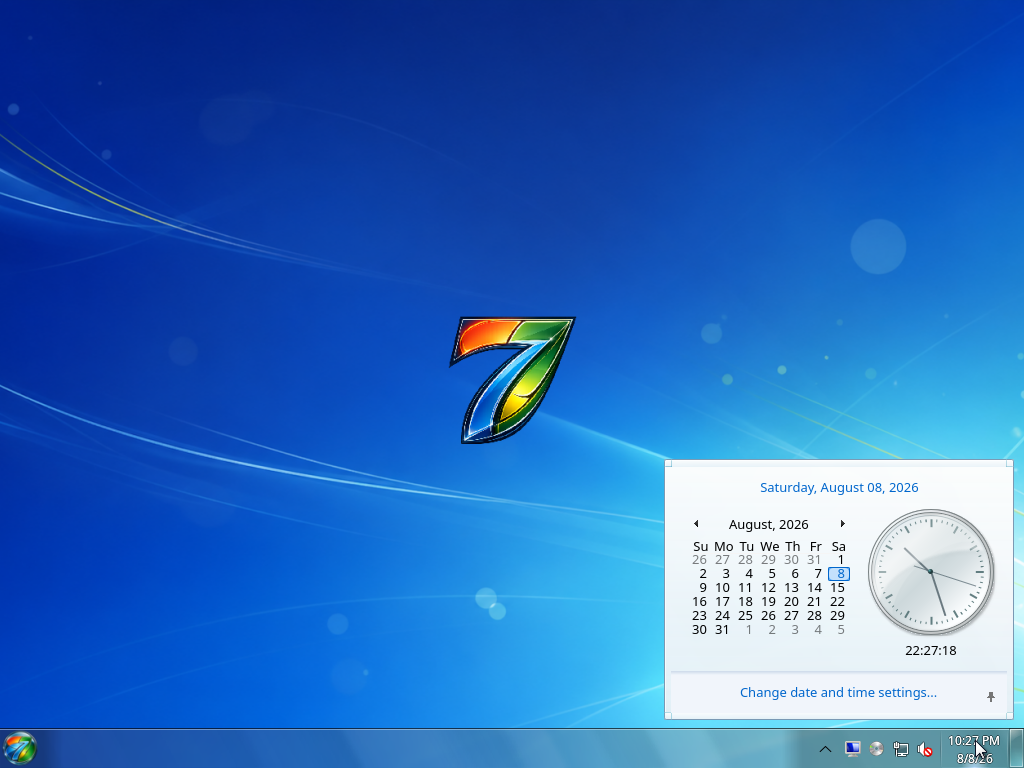 | 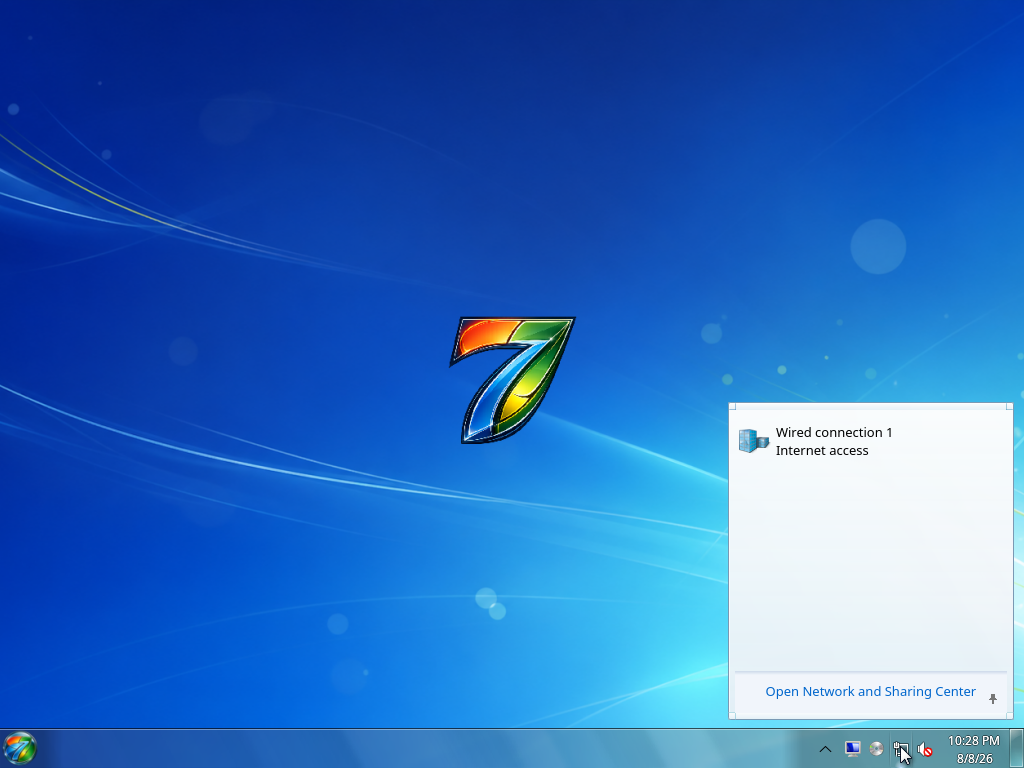 |
| Volume | Gadgets |
|---|---|
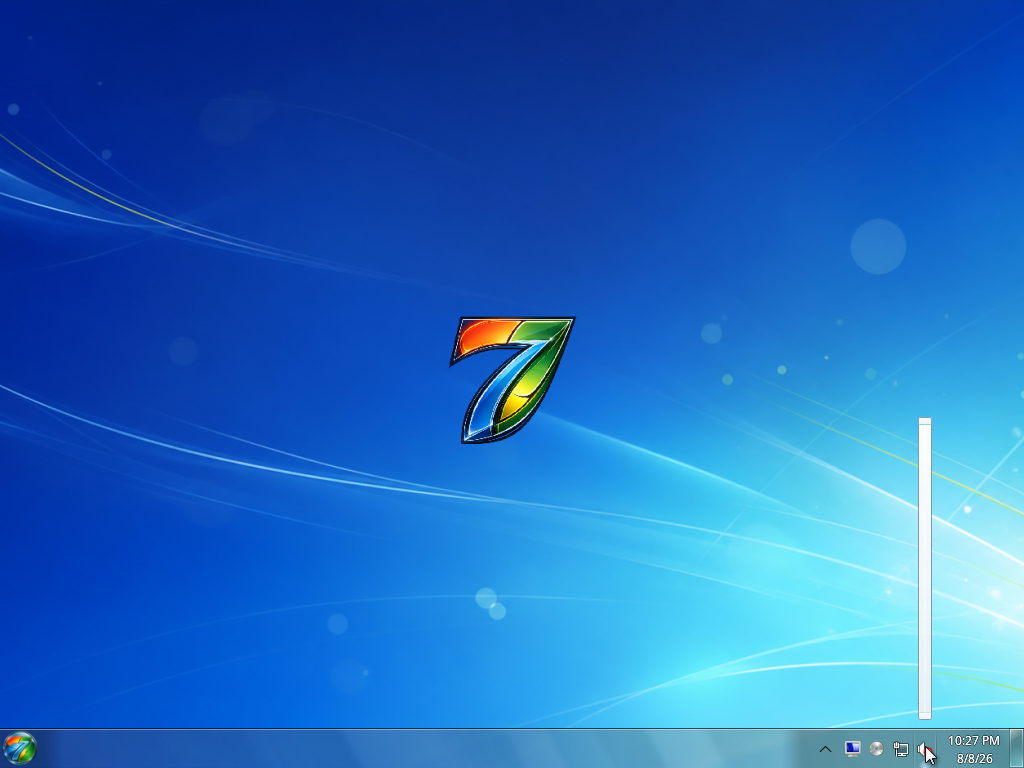 | 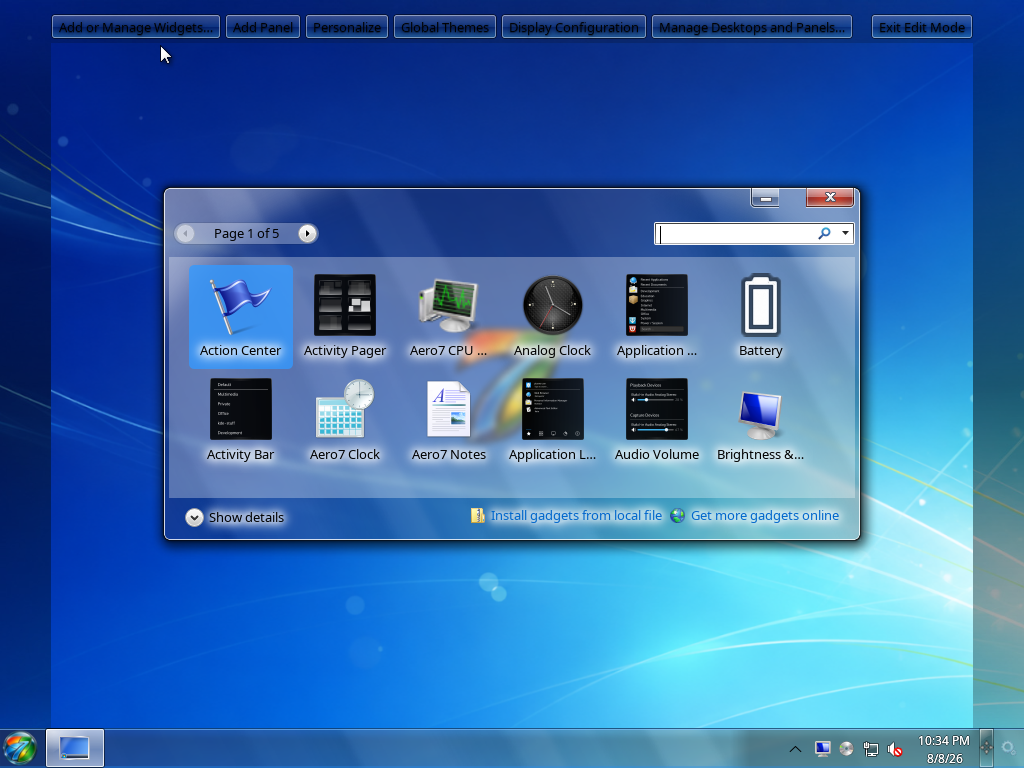 |
| Lock screen | Authentication prompt |
|---|---|
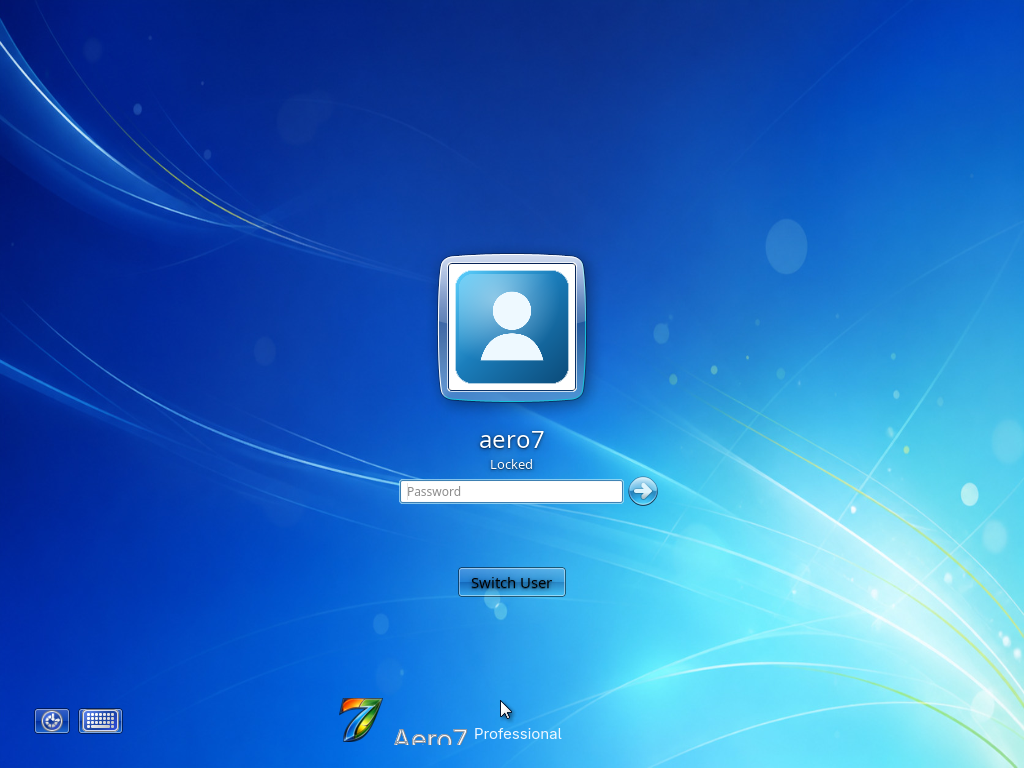 | 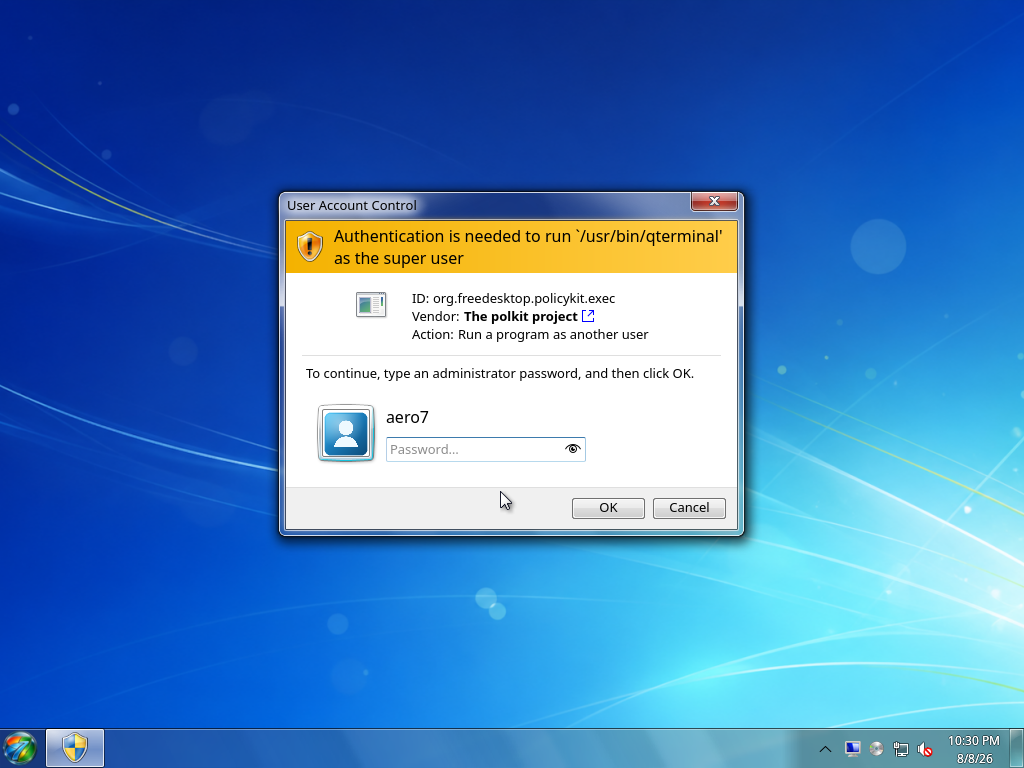 |
Applications
| File Explorer | Photo Viewer |
|---|---|
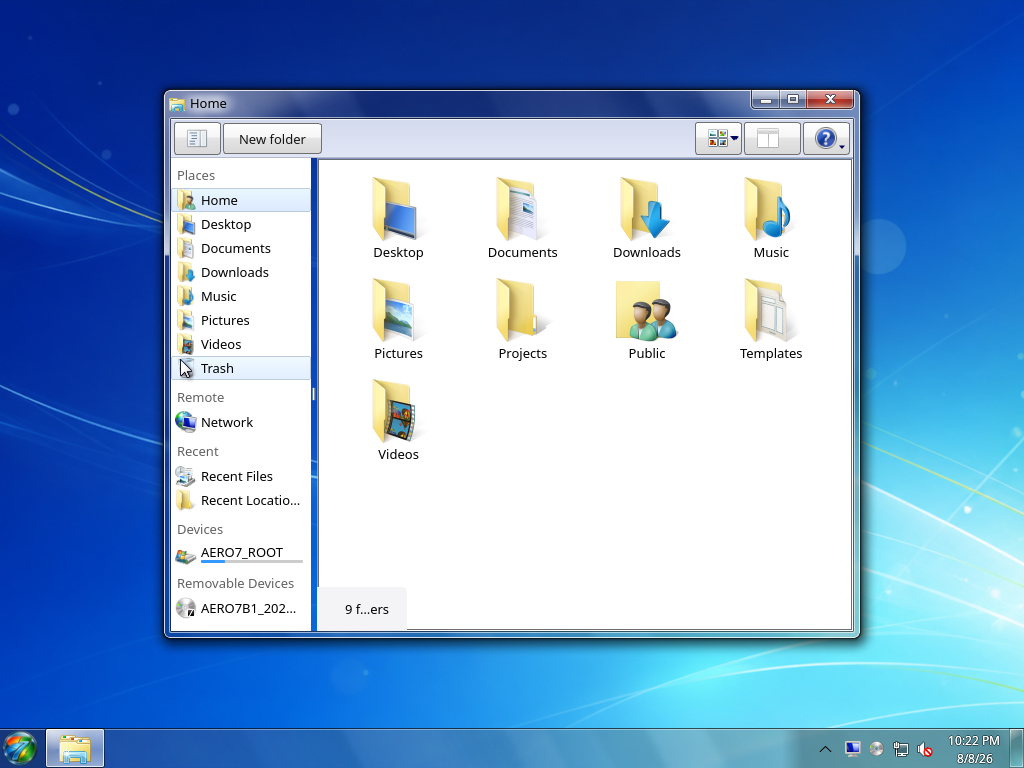 | 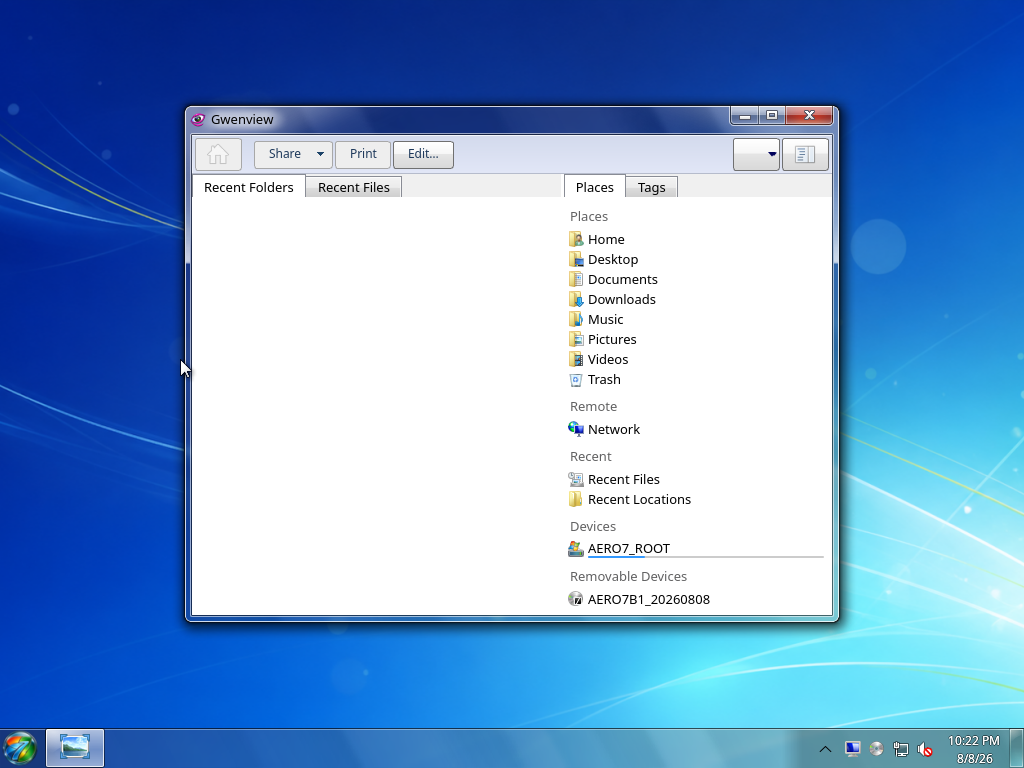 |
| Control Panel | Device Manager |
|---|---|
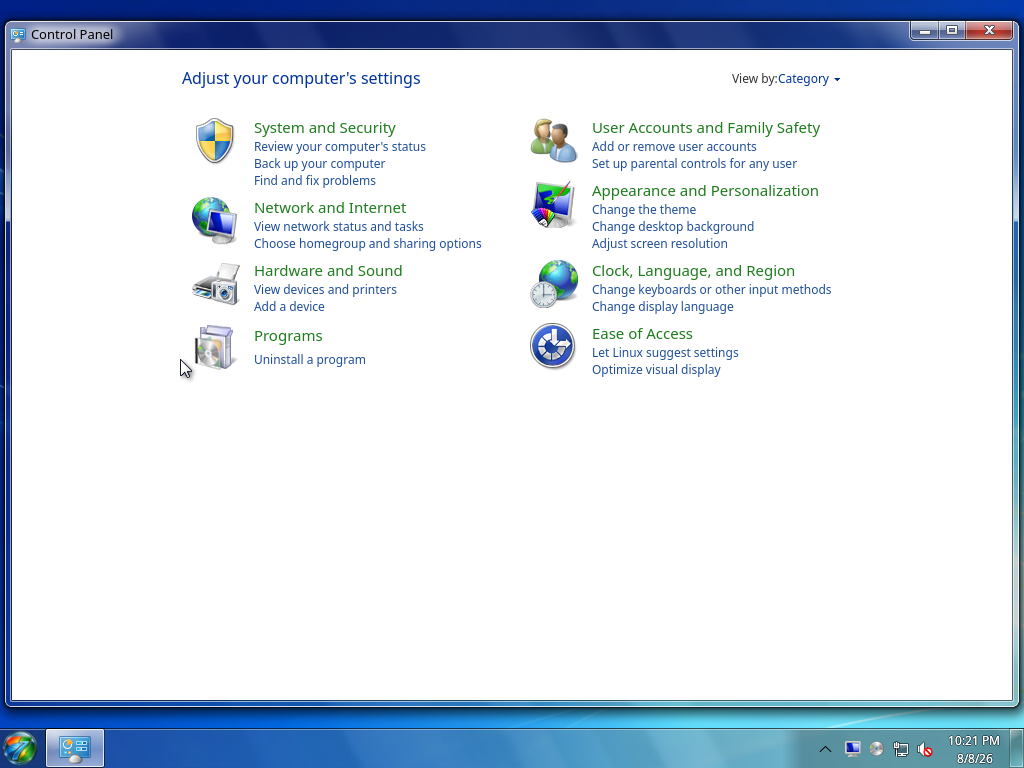 | 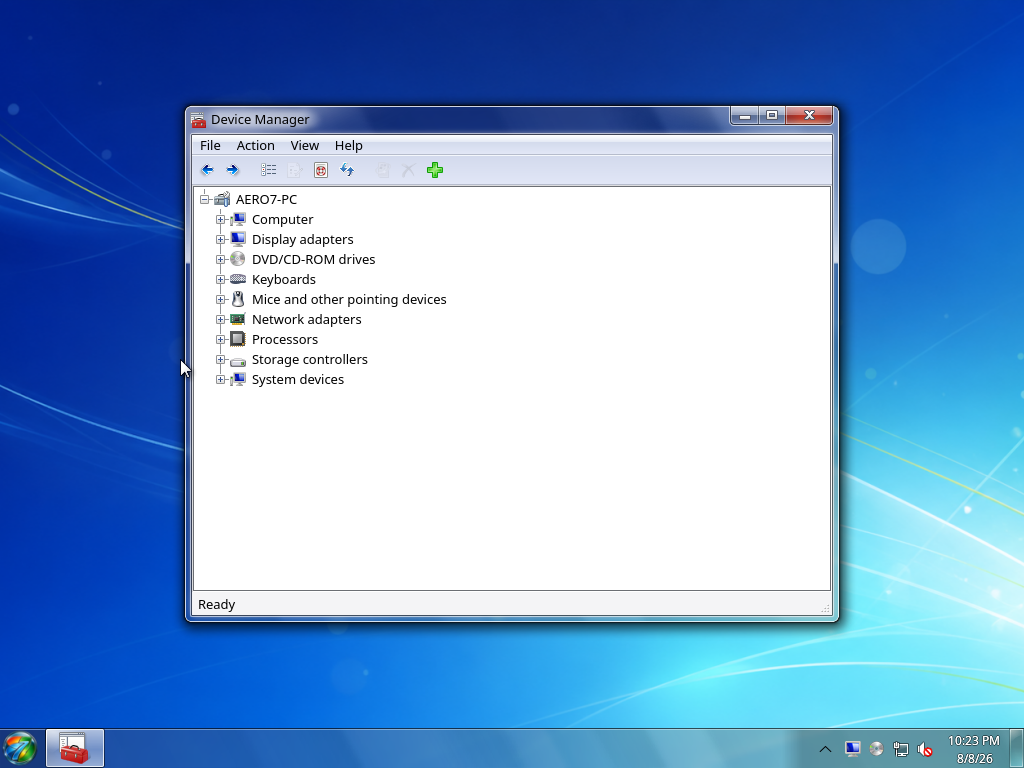 |
| Command Prompt | Task Manager |
|---|---|
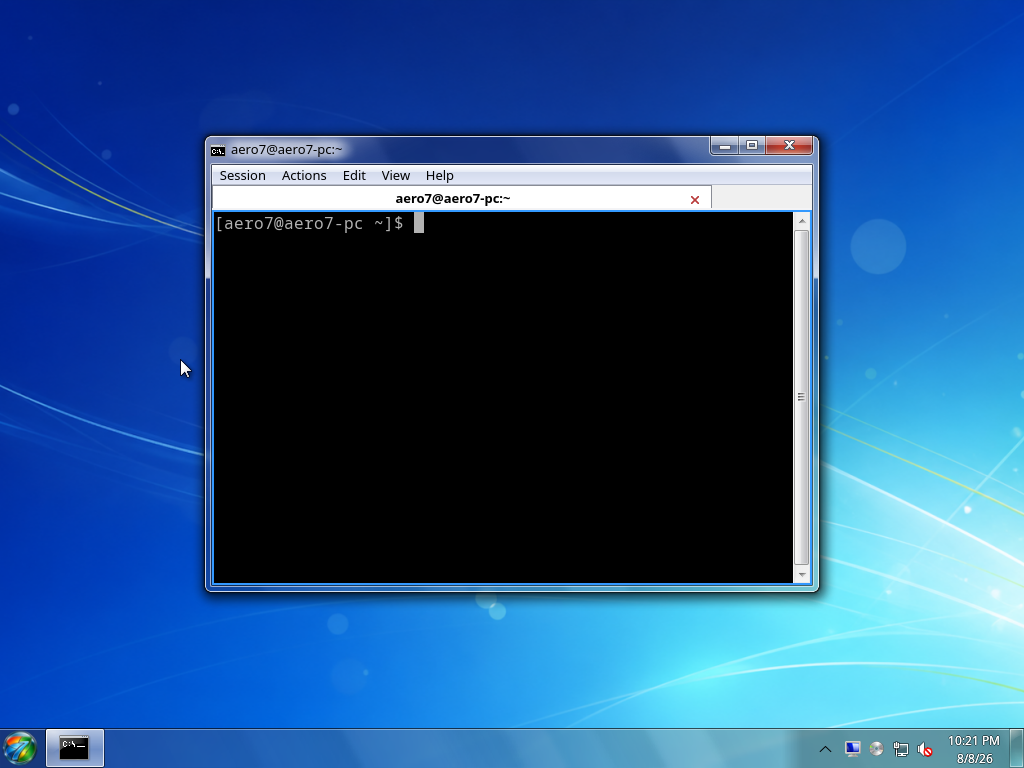 |  |
| Media Player | Notepad |
|---|---|
 |  |
| Calculator | Paint |
|---|---|
 | 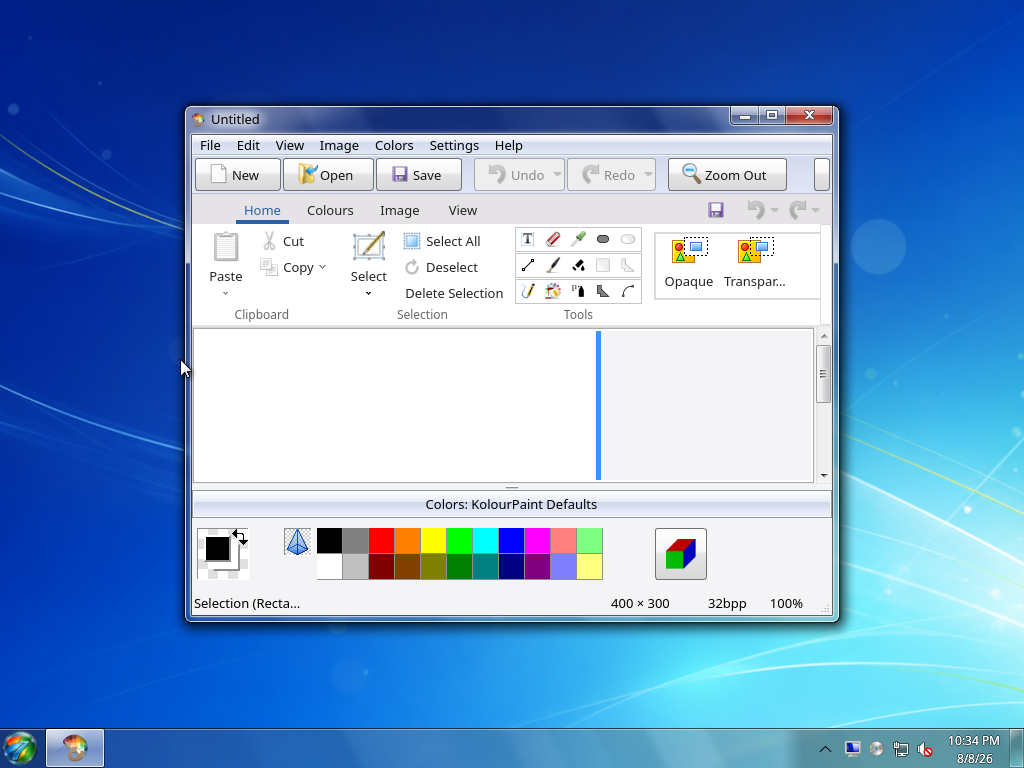 |
| Archive Manager | System Information |
|---|---|
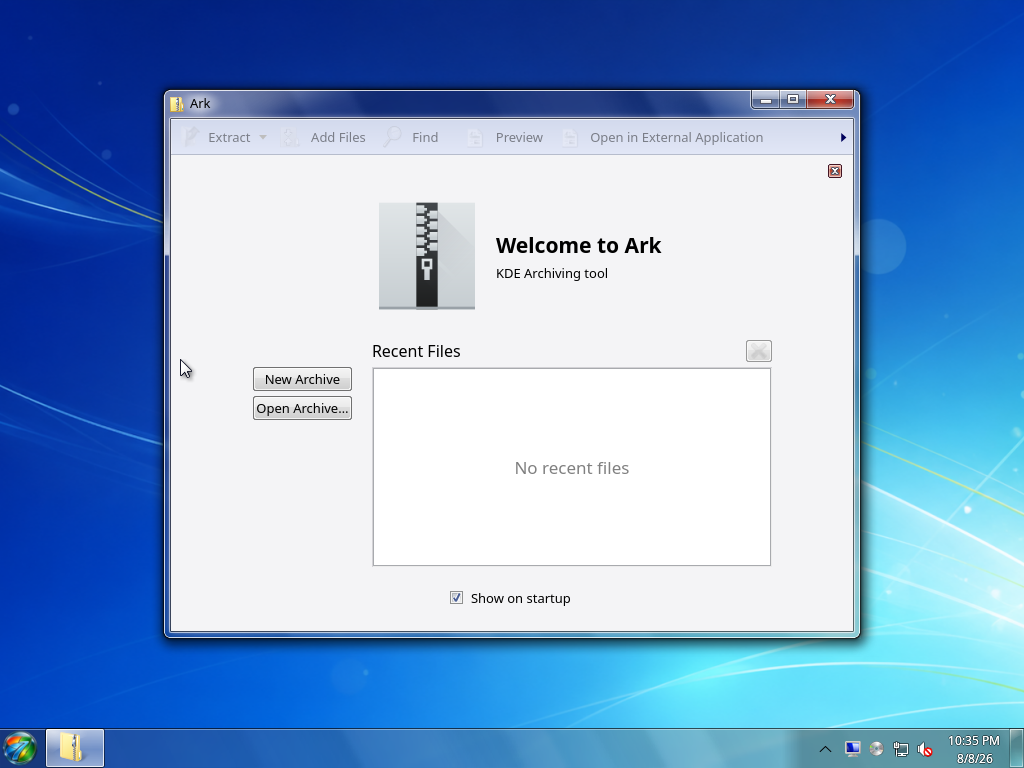 | 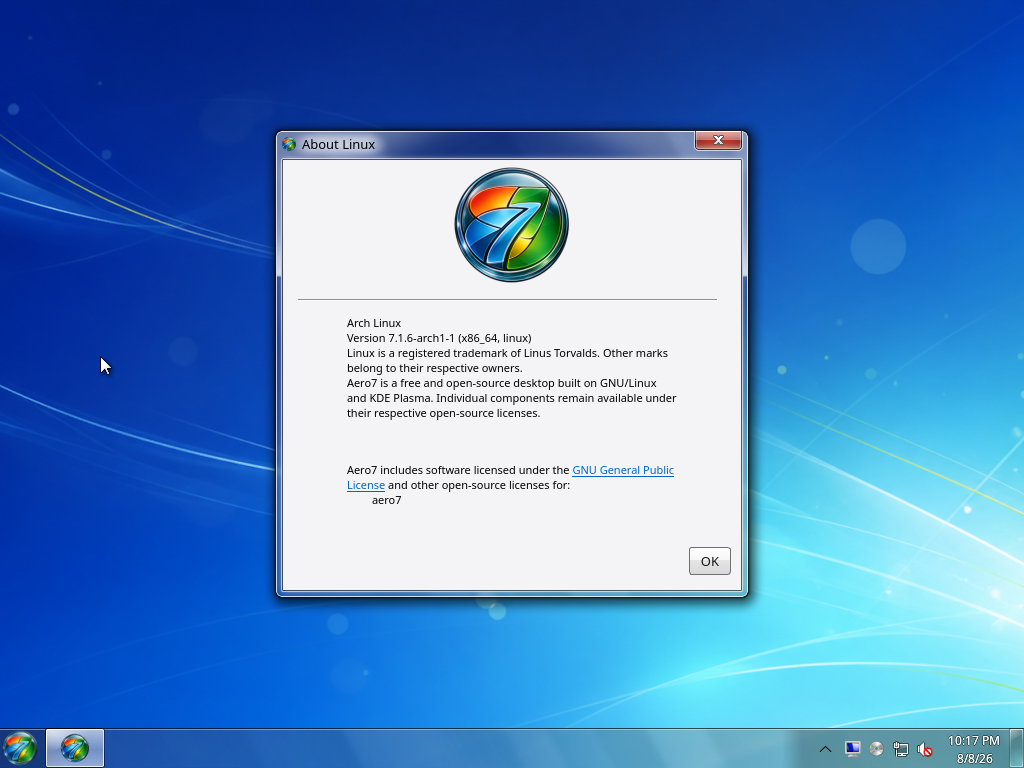 |
Setup
The complete ordered setup sequences are kept on their dedicated pages:
- Installer Guide — every installer page from language
selection through restart;
- First Boot and OOBE — every first-boot page through
the desktop handoff.
The Snipping Tool uses a background region-selection overlay and copies the result directly to the clipboard, so it does not have a persistent application window to include here.