Independent project
 Community driven
 Privacy respecting


Guided installer
A clear, purpose-built Qt 6/QML installation flow.
Aero7 brings the look, feel, and productivity of the classic Aero experience to modern Linux—lightweight, polished, and built for real-world use.
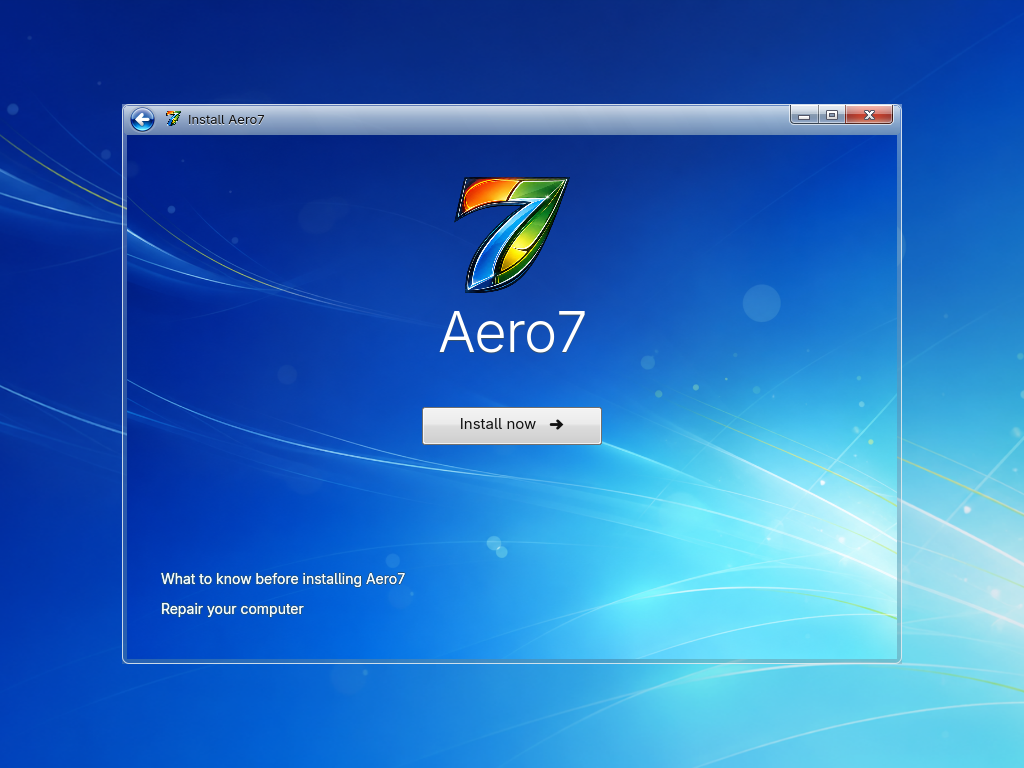
A clear, purpose-built Qt 6/QML installation flow.
A consistent Aero7 experience from setup to daily use.
Taskbar, Start menu, File Explorer, and recognizable tools.
Arch Linux, Wayland, PipeWire, and KDE/Linux services underneath.
Signed packages, clear confirmations, and guarded disk operations.
Source, documentation, issues, and decisions remain visible.
One guided path into the Aero7 desktop.
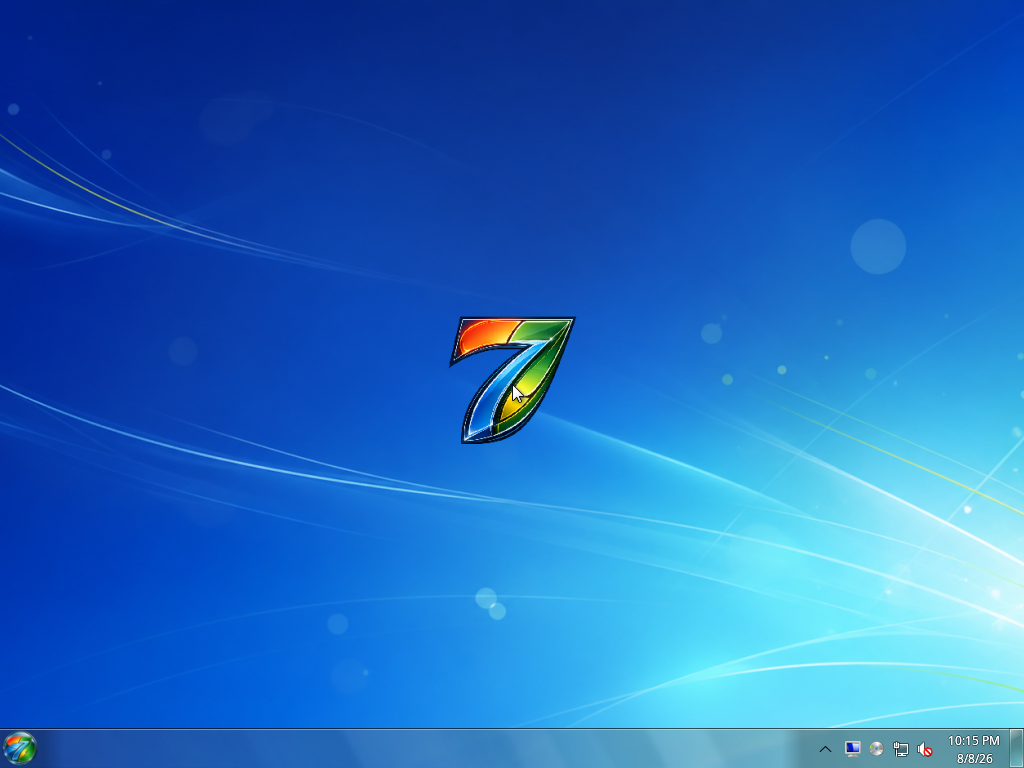
Real captures from the current Aero7 system.
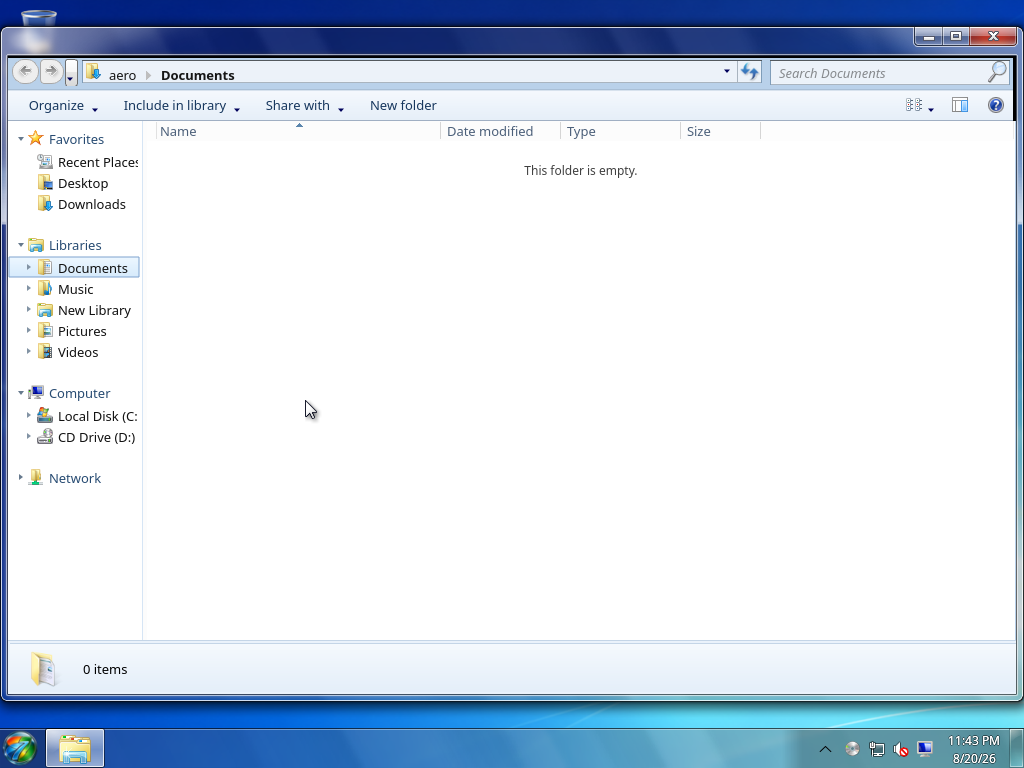
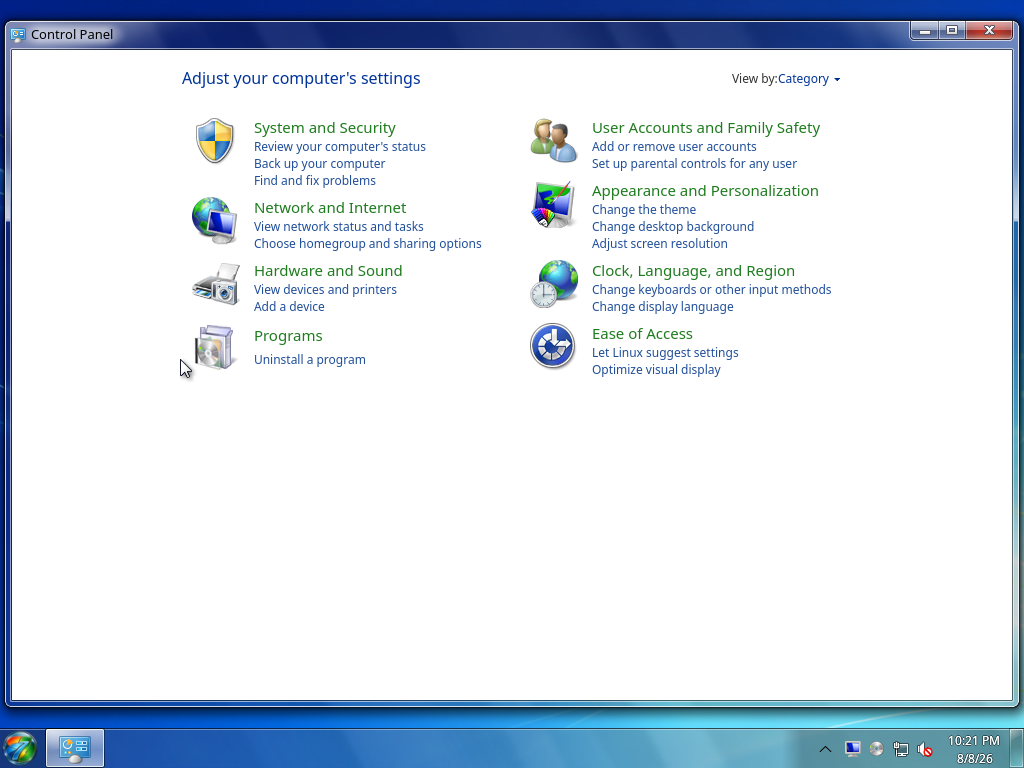
The OS, Aero7 Desktop, applications, and signed packages work as one system.
The new taskbar, Start menu, desktop icons, tray, search, notifications, and gadgets.
Follow development →Aero7 is not affiliated with or endorsed by Microsoft. Aggregate analytics avoid raw IP addresses, persistent visitor IDs, browser fingerprints, and advertising trackers.